AI Image to GIF
Animate a photo into a short GIF with AI. Add a motion prompt or extra reference images to guide the result.
Upload a photo, add any extra references, then generate your GIF here.
How to turn an image into a GIF
To make a GIF from a photo, upload your image, describe one motion, then generate. Guests start with 5 credits; Low quality costs 5 credits.
- 1
Upload a photo to animate
Start with one photo. You can add more images as references for the same GIF; describe how to use them in the motion field. Upload up to 10 PNG, JPEG, WebP or GIF images, 10 MB each and 20 MB total.
- 2
Describe the motion
Optional. Leave it empty and the default motion prompt runs:
Animate this image into a smooth, seamless looping GIF with subtle natural motion. - 3
Generate and download
Check the credit cost for your quality tier, then generate. Preview the GIF for changes to faces, text, and the loop transition before downloading. GIFGenerator adds no watermark.
Before and after: still to loop
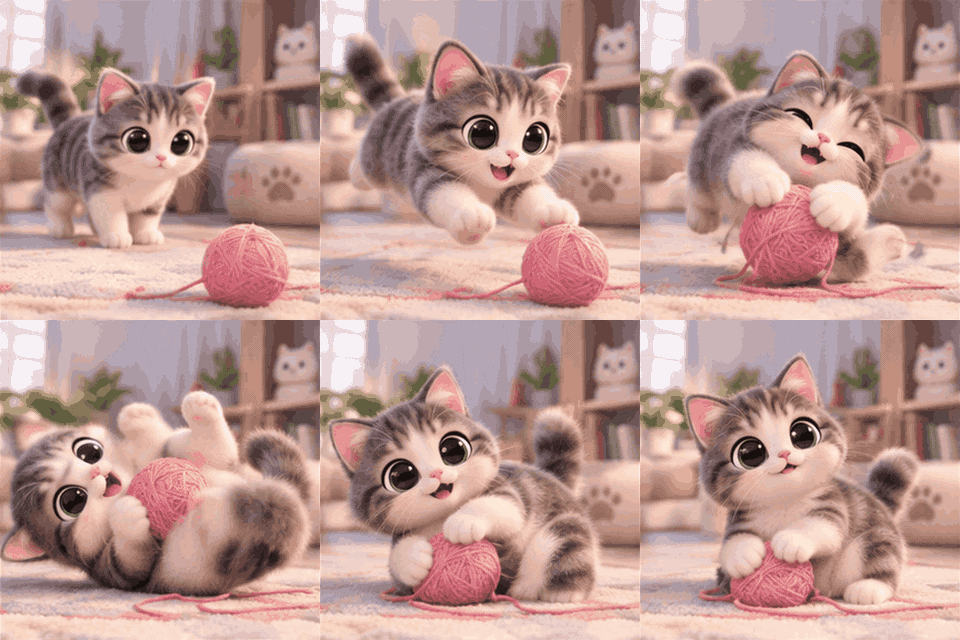
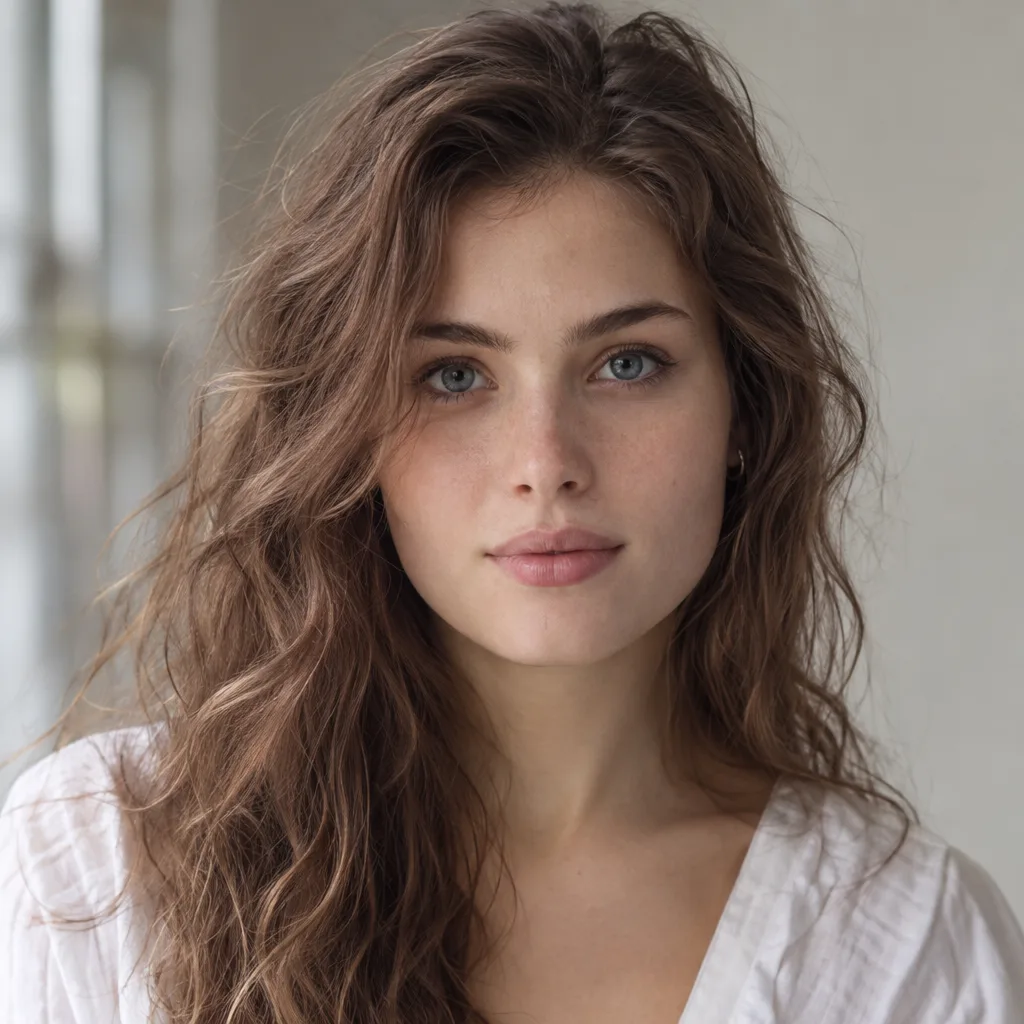
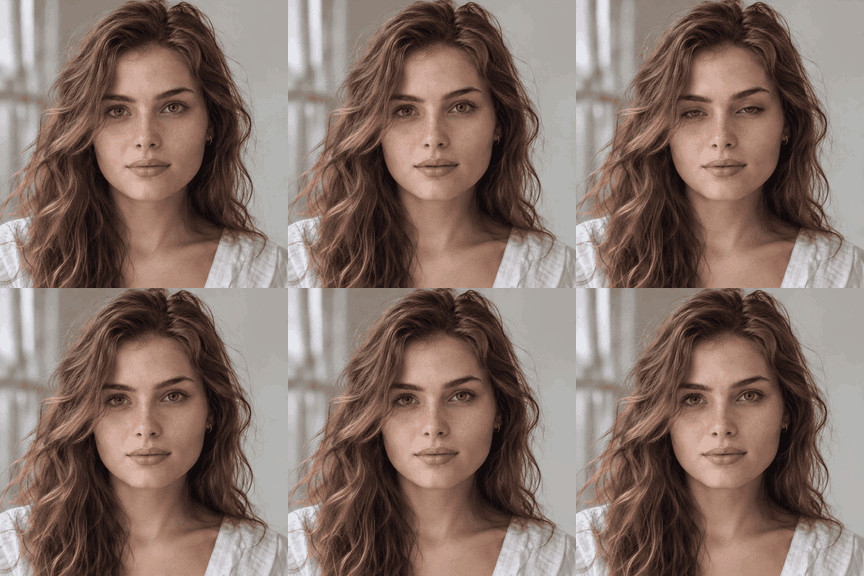
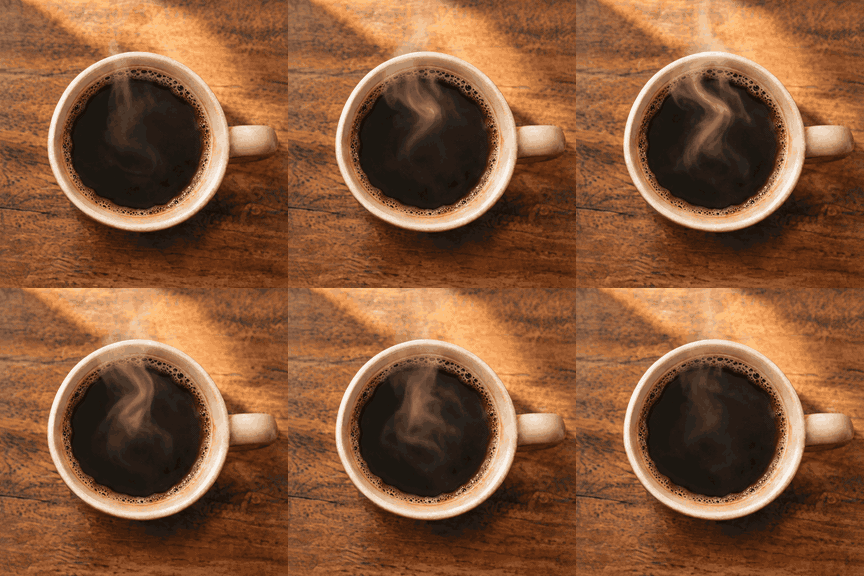
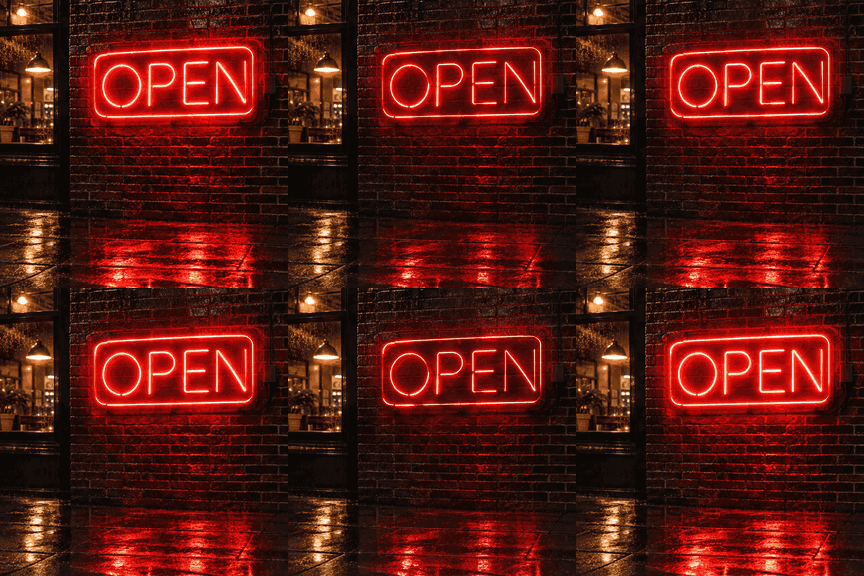
These six examples use the same image to GIF AI model path as this tool. Each caption is the motion prompt used for that image. Apply a prompt to your own photo; it guides the motion but does not guarantee the same result.
 Still
 GIF
Studio portrait
Portraits that should look alive, not posed.
 Still
 GIF
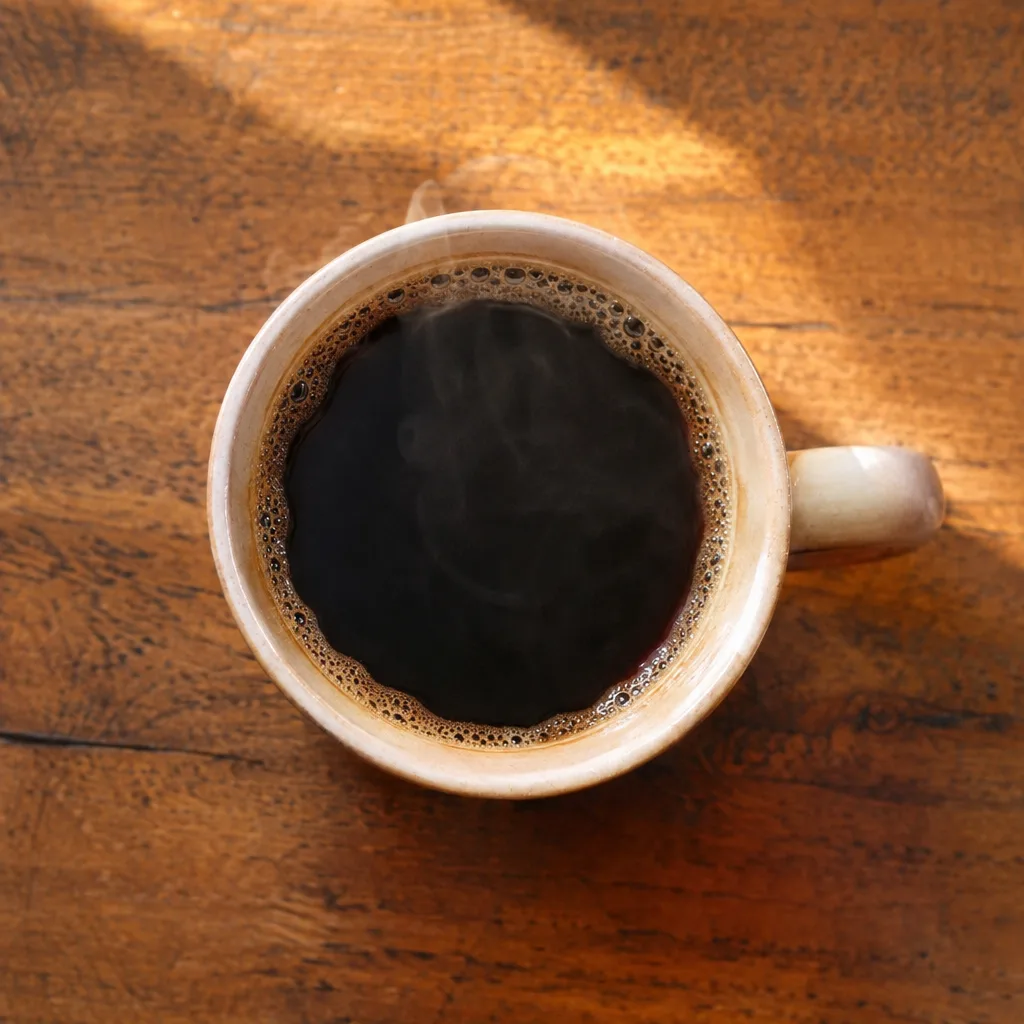
Coffee cup
Coffee and hot food with rising steam.
 Still
 GIF
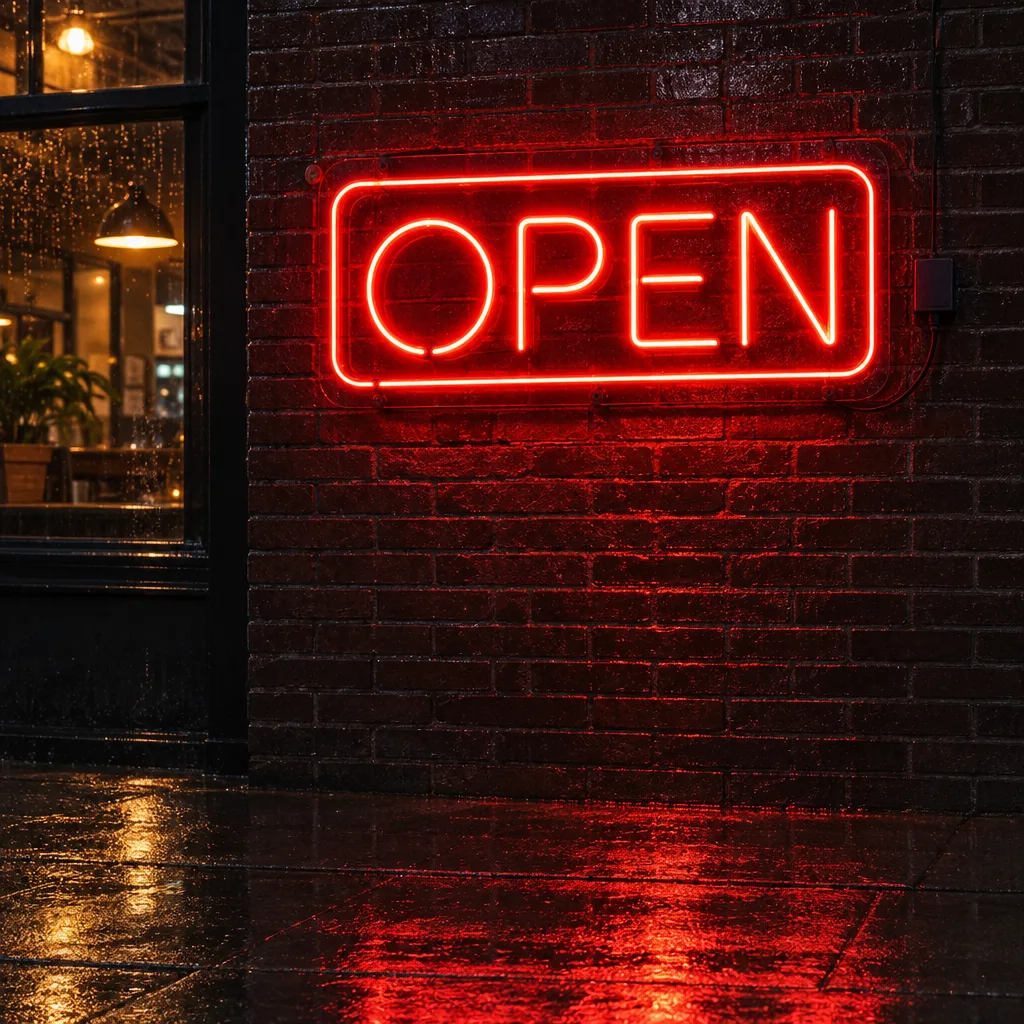
Neon sign
Signs and night scenes with buzz and reflection.
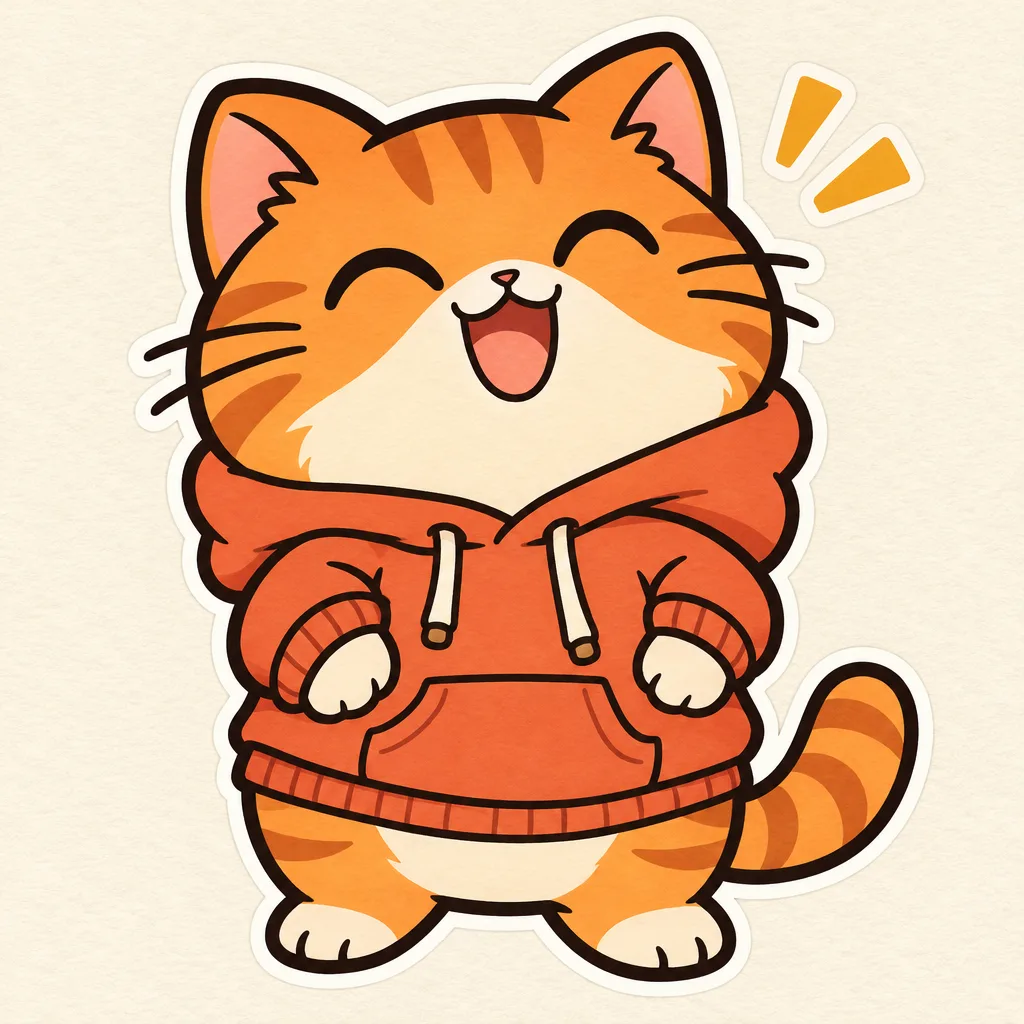 Still
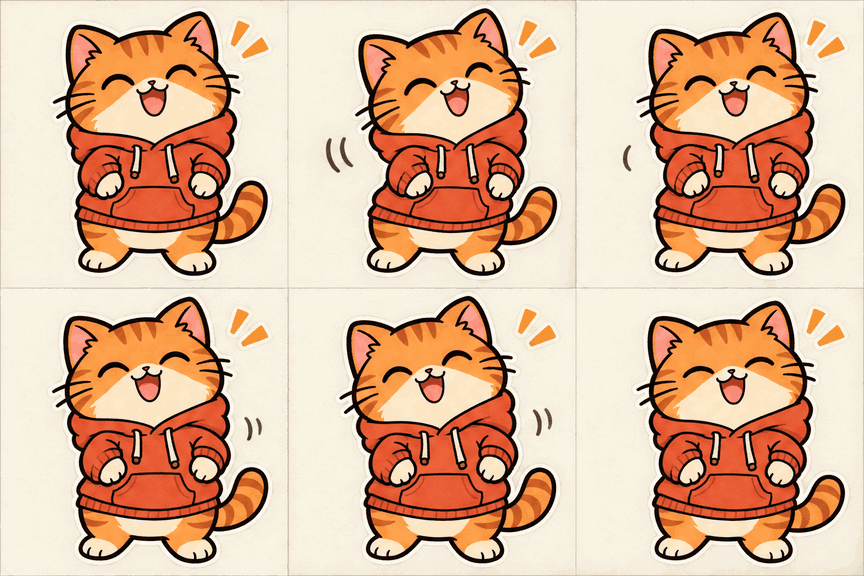 GIF
Cartoon mascot
Brand characters holding a pose between moves.
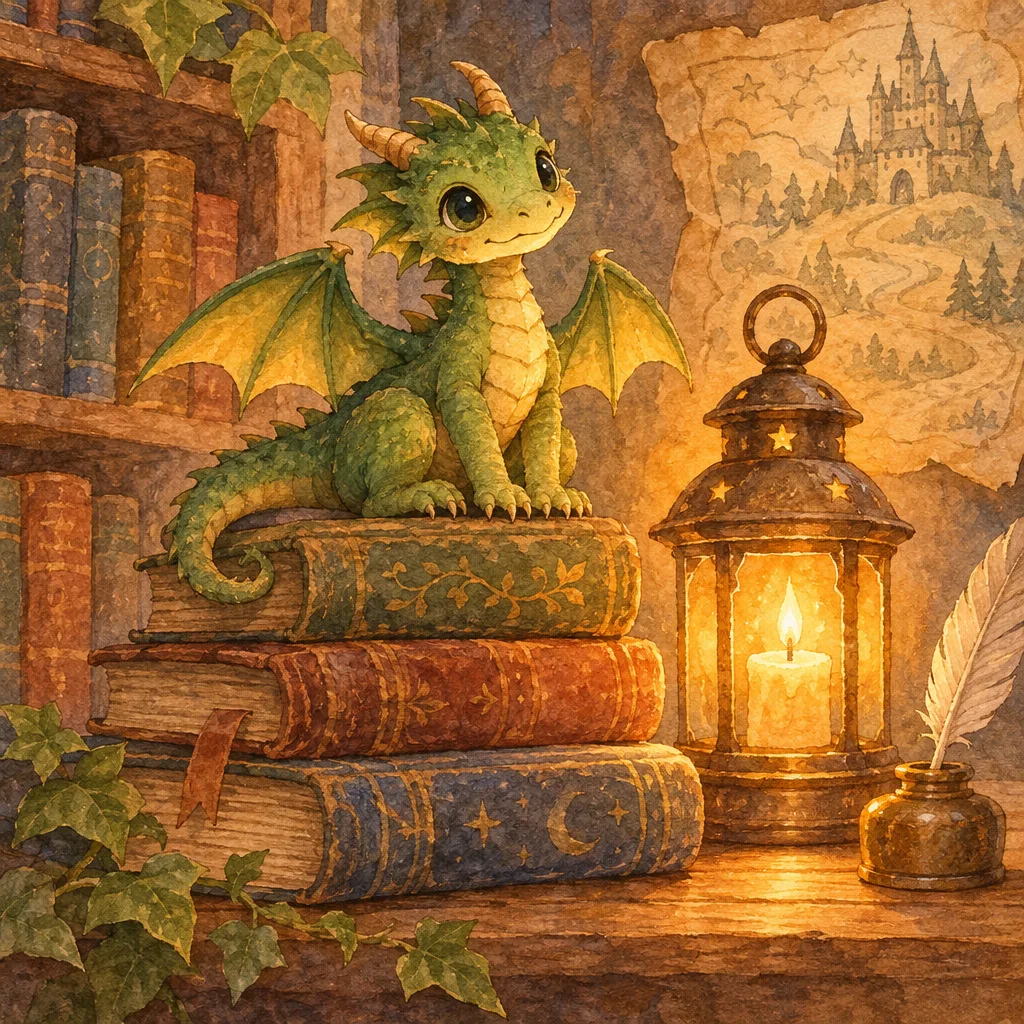 Still
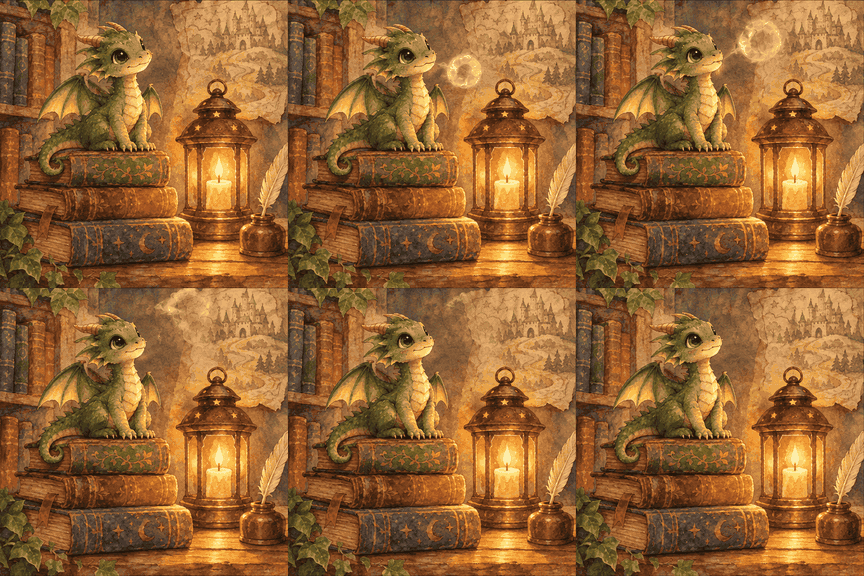 GIF
Storybook dragon
One small action that implies a bigger world.
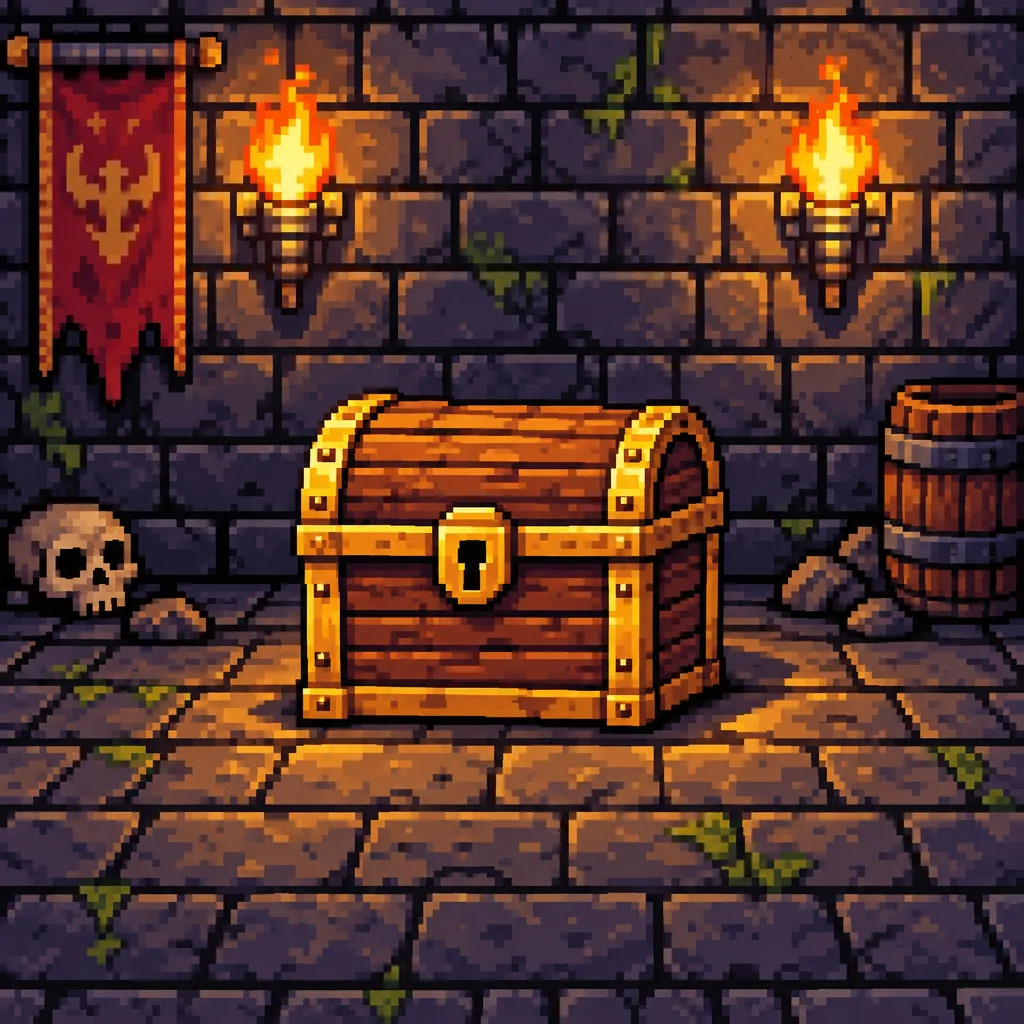 Still
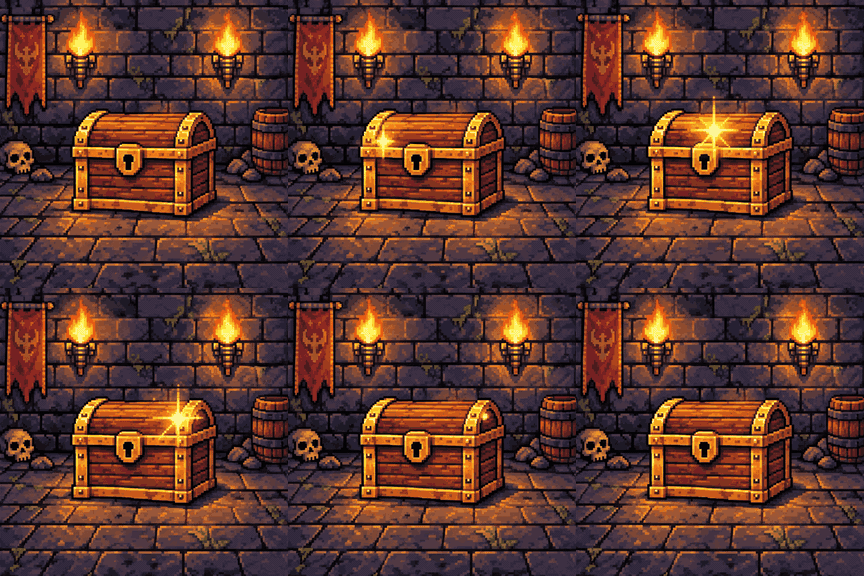 GIF
Pixel-art chest
A small sparkle over a pixel-art object.
What can you make with AI image to GIF?
GIFGenerator suits short reactions, character idle animations, and small movements in product or scene photos. Review each result: generated motion can alter details in your source image.
It invents the motion
AI image to GIF generates motion from a still photo, such as steam rising or a character blinking. Name one action and what should stay still. Use it when you want new motion; use a frame editor when every pixel must stay exact.
Add references for your GIF
Use up to ten images to guide one GIF. Describe what each image contributes, such as the character from one and the setting from another. For photos that play in a fixed order, use Frames to GIF.
Automatic output shape
The AI image to GIF tool lets the model infer output dimensions from your references. It has no manual aspect control. Exact dimensions, composition, and image details are not guaranteed; check the preview before using it.
Short GIFs with speed controls
The tool requests 16 frames at 5, 10, or 20 fps: about 3.2, 1.6, or 0.8 seconds per cycle. The default prompt asks for a seamless loop, but the transition may still be visible. Preview the result before sharing.
Downloads without an added watermark
GIFGenerator adds no watermark to your download. The site terms allow lawful personal and commercial use, subject to model-provider restrictions and other people's rights. Permission to use a result does not guarantee exclusive ownership.
Every run saved to your account
Sign in and each Image to GIF run lands in My Creations, ready to download again or reuse the motion prompt from.
AI image to GIF vs. the traditional ways
Choose AI image to GIF when you want motion generated from a still. A slideshow converter suits an existing sequence; an editor gives you manual control. These workflows solve different tasks.
Image to GIF AI questions, answered
Inputs, costs, output limits, and what happens to your photos.