AI Text to GIF
Describe an animation in one sentence and this text to GIF generator turns it into a looping GIF. No photo, no editor, just your words: pick the loop speed and shape, then download it.

Describe the animation on the left, then hit Generate — the loop shows up here.
Six text to GIF prompts that loop
Every GIF below was generated on this site's text to GIF tool with the exact prompt in its caption. Use one as-is, or borrow the lesson each card teaches.
 1.6 s loop · 10 fps
The reaction beat
One subject, one beat that returns to its start. A thumbs up that rises and lowers loops cleanly; a one-way smile does not.
 1.6 s loop · 10 fps
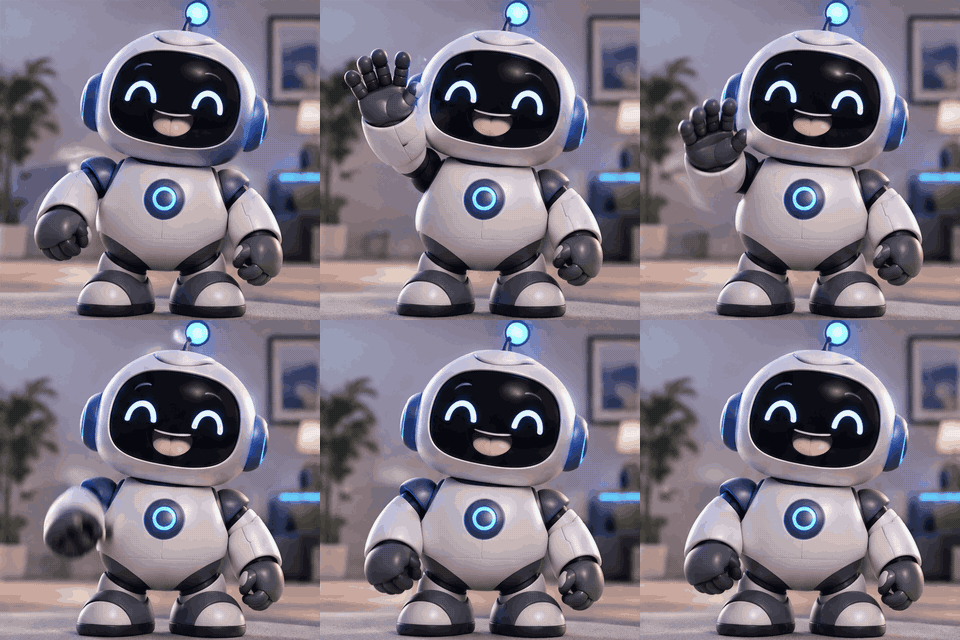
The brand mascot
Style words steer the look: naming “Pixar-style 3D” buys soft light and rounded shapes, and a waving mascot reads instantly as hello.
 1.6 s loop · 10 fps
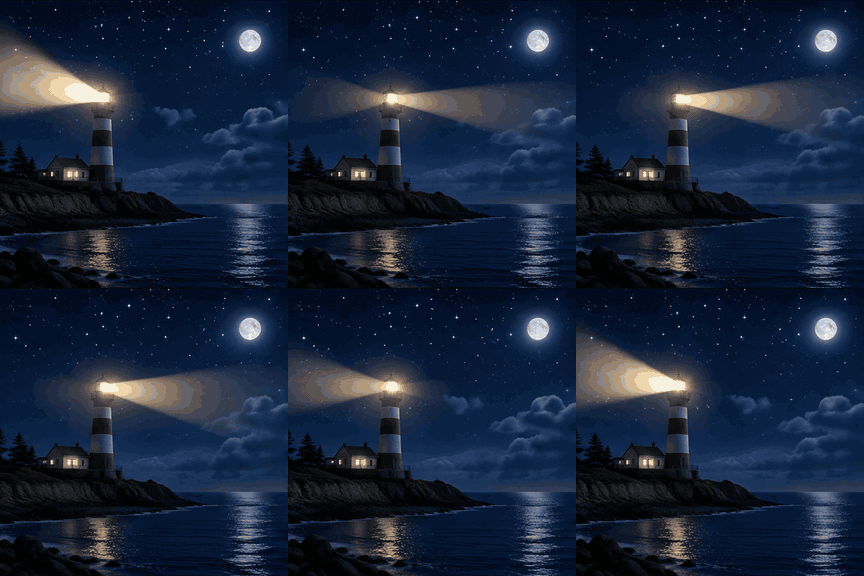
The atmosphere loop
Keep the background still and give the motion a return trip: the beam sweeps out and comes back, so the last frame meets the first.
 1.6 s loop · 10 fps
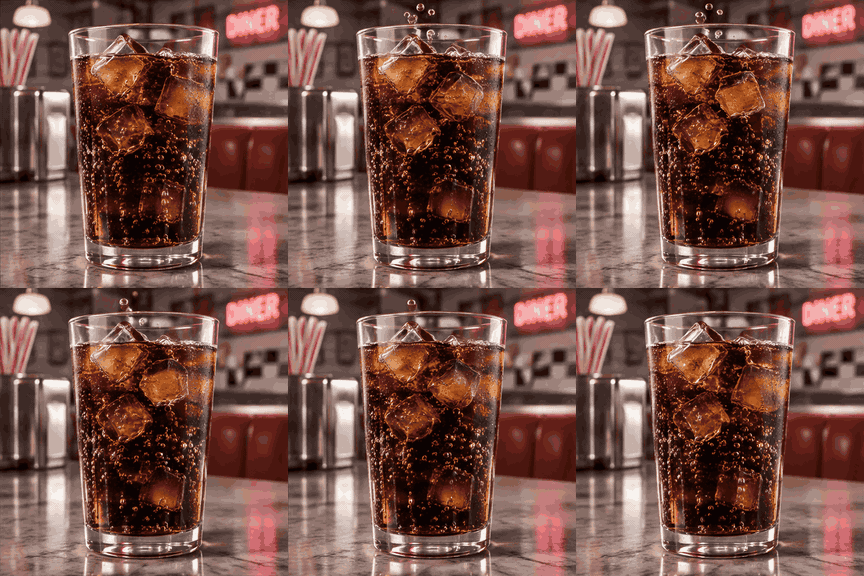
The endless detail
Pick motion that never has to end: rising bubbles, falling snow, flickering neon. Nothing in the scene has to reset.
 1.6 s loop · 10 fps
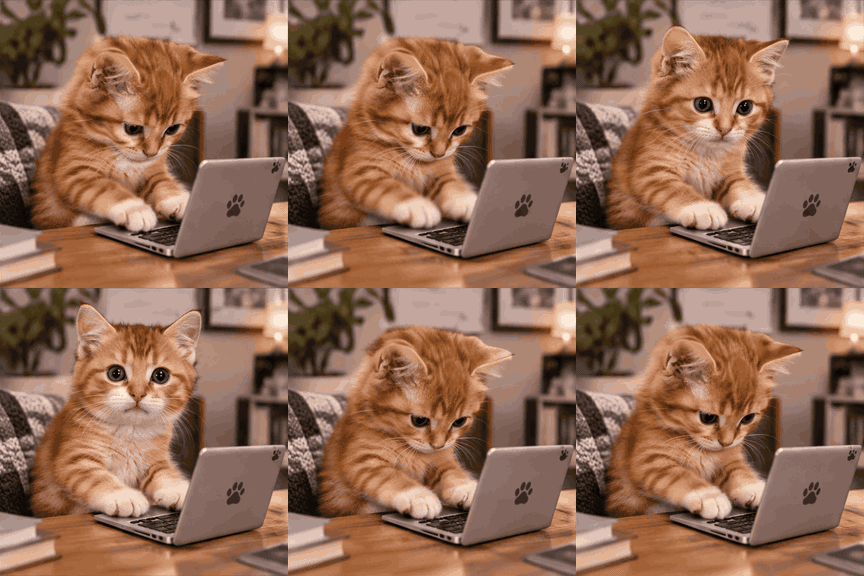
The one-beat story
A short loop fits one or two beats. Type, look, back to typing. Naming a technique like stop-motion sets the rhythm.
 1.6 s loop · 10 fps
The named style
Chunky, high-contrast shapes survive GIF’s tiny palette best: pixel art is the safest style to ask for.
Make a GIF from text in three steps
The workbench above is the whole text to GIF tool. These are the three decisions that shape the result.
- 1
Describe the loop
Write one sentence: a subject, one repeating action, and any style you want. Pick an action that returns to its start, so the last frame meets the first and nothing jumps.
- 2
Tune speed and shape
Frame rate sets how fast the same 16 frames play: 5 fps runs 3.2 seconds per loop for slow scenes, 10 fps runs 1.6 seconds, and 20 fps runs 0.8 seconds for snappy reactions. Aspect ratio sets the shape: 1:1 for stickers and posts, 16:9 for banners, 9:16 for vertical stories.
- 3
Generate and download
The price in credits shows on the button before you commit, and failed runs are refunded automatically. Rendering 16 frames takes a moment. Preview the result, then download the GIF.
What a text to GIF run actually does
No slideshow tricks and no video conversion: the GIF is generated straight from your sentence.
Native GIF, one prompt
GPT Image 2.6 renders all 16 frames in a single run and returns one animated GIF. There is no video step to convert, trim, or re-encode.
Loop speed you choose
The same prompt plays at 5, 10, or 20 fps. Slower reads dreamy, faster reads comic, and the loop length follows the speed you picked.
Five frame shapes
Generate at 1:1, 4:3, 3:4, 16:9, or 9:16, so the GIF lands right in a post, a banner, or a vertical story, composed for the frame rather than cropped into it.
Failed runs cost nothing
If the provider drops a run, the credits return to your balance automatically and you can retry right away, without filing a support ticket.
No watermark
Downloads are the plain GIF with nothing stamped on the frames. What you may do with it follows the site terms and the provider's policies.
Your GIFs stay close
This visit's last six GIFs sit in a strip under the stage, and signed-in runs collect in your creations gallery to download again later.
Text to GIF questions
Costs, loop lengths, prompt habits, and what happens when a run goes sideways.