
AI Sprite Generator
Describe a character animation and this AI sprite generator renders 16 transparent frames — preview the loop as a GIF, download the packed sprite sheet PNG, drop it straight into your engine.
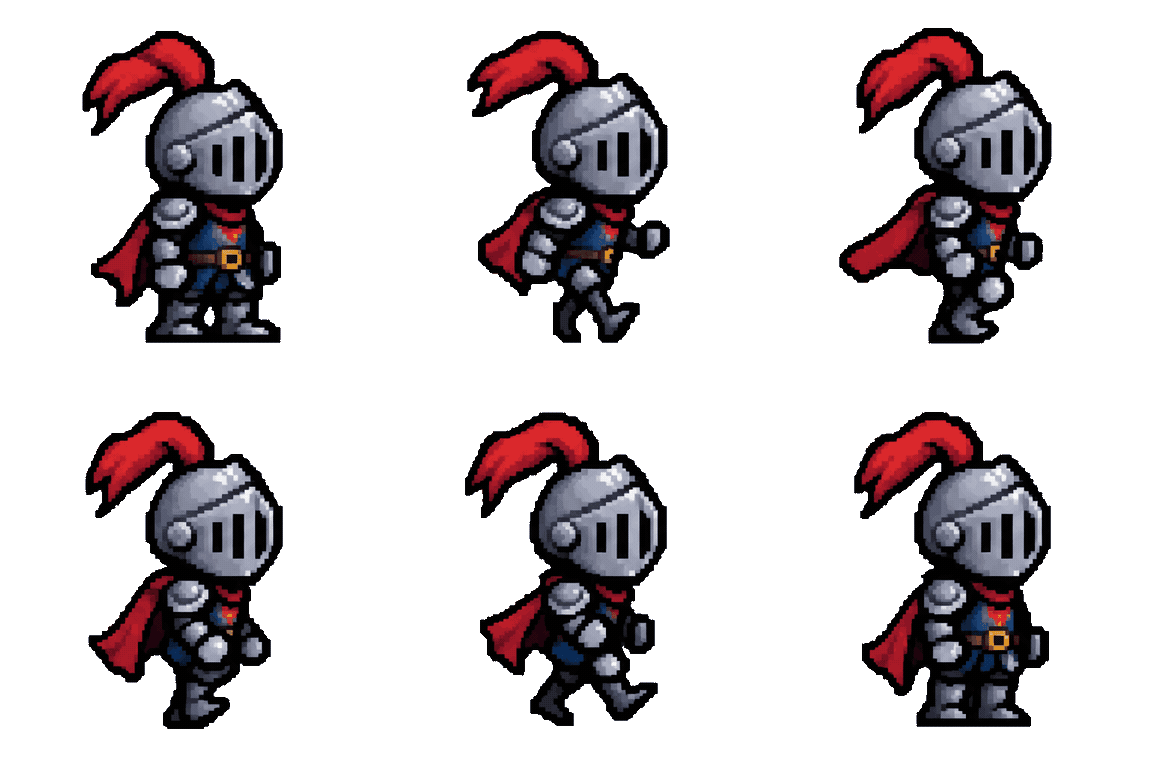
Describe the animation on the left, then hit Generate — the loop shows up here.
Six AI sprite generator prompts for game animation cycles
Every card is a real run from this workbench — the prompt under the preview is the exact sentence that produced the frames. Reuse it as-is or bend it to your character.
 4×4 grid · 16 frames
Slime idle cycle
Idles read best on one rhythm: squash, stretch, repeat — nothing else moves.
 4×4 grid · 16 frames
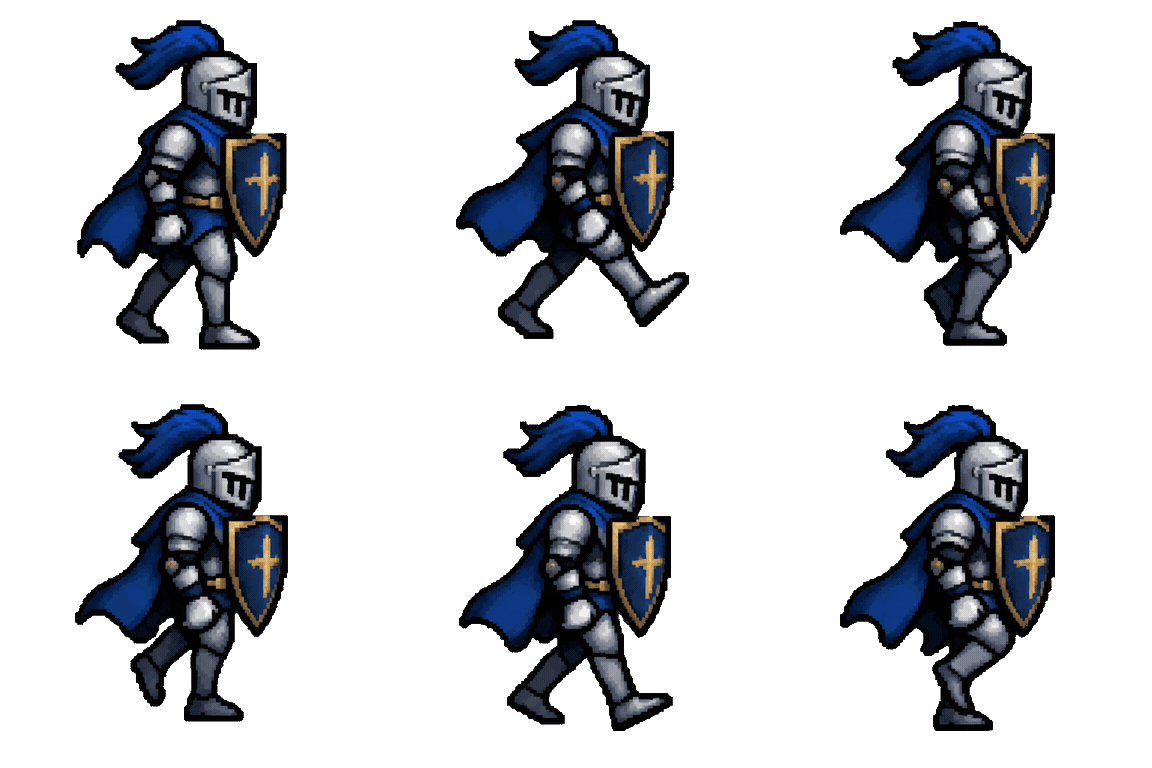
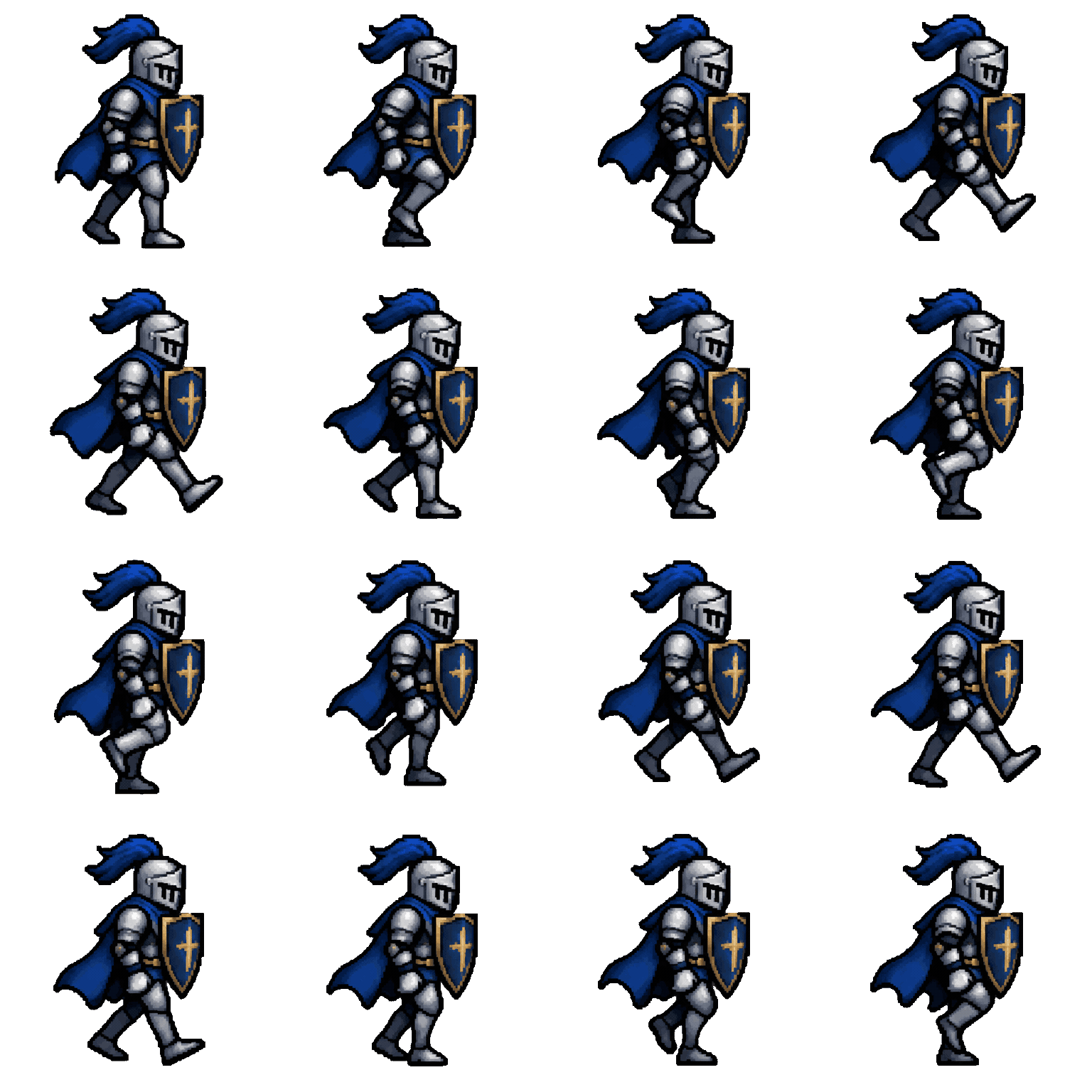
Knight walk cycle
Name the direction and the pace — "marching right" keeps all sixteen frames facing one way.
 4×4 grid · 16 frames
Fox run cycle
Extremes make runs readable: legs fully stretched in one frame, fully tucked in the next.
 4×4 grid · 16 frames
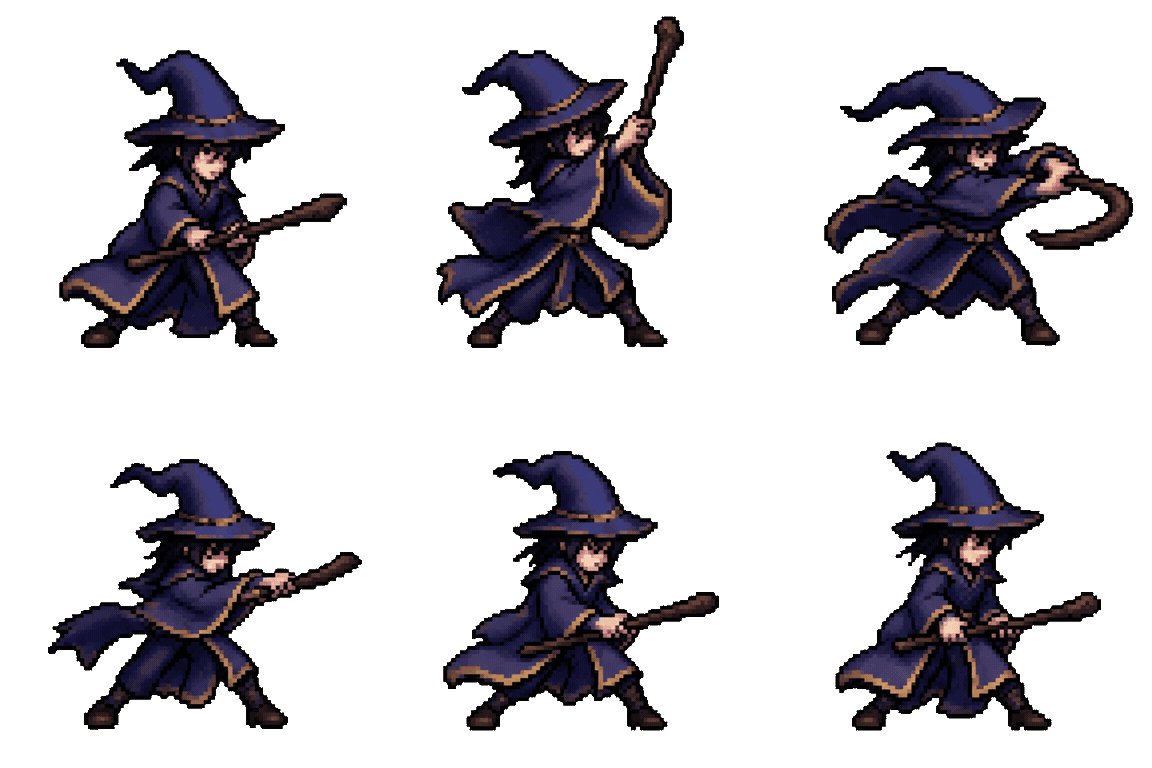
Wizard attack
One clean arc per swing. Two-part moves — raise, then strike — map naturally onto sixteen frames.
 4×4 grid · 16 frames
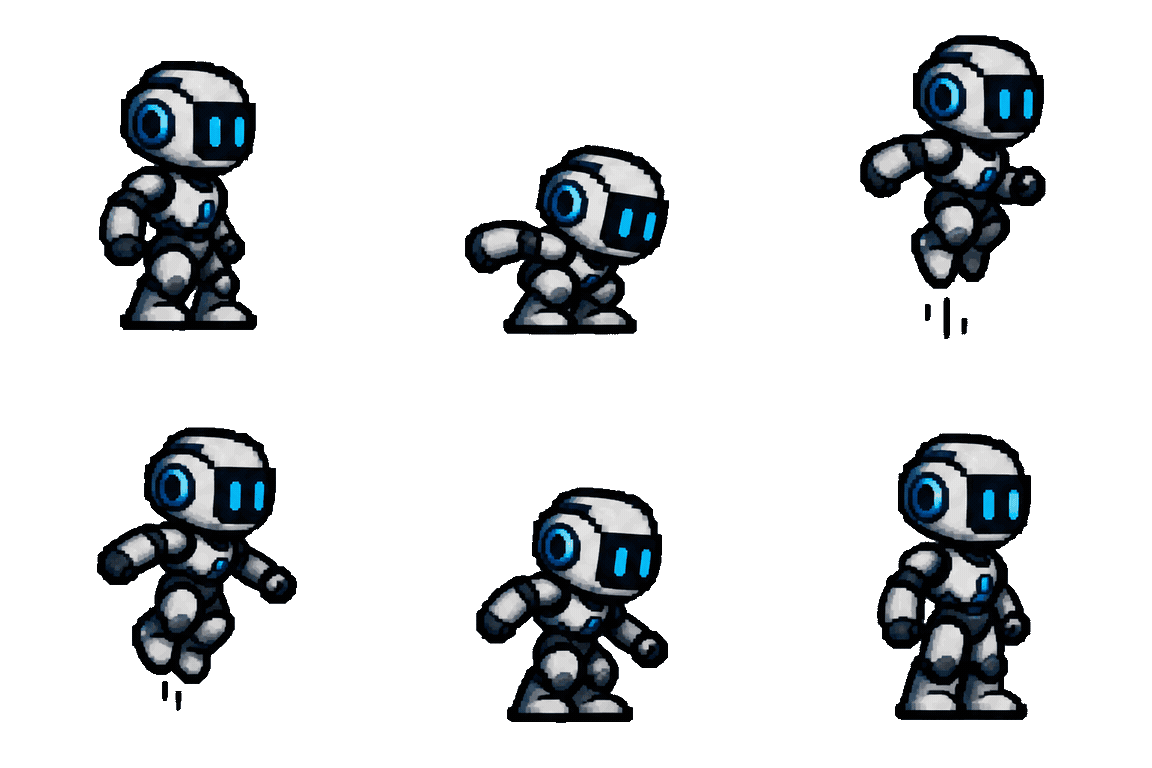
Robot jump
Crouch, spring, land, recover — four beats, a few frames each, sells the weight.
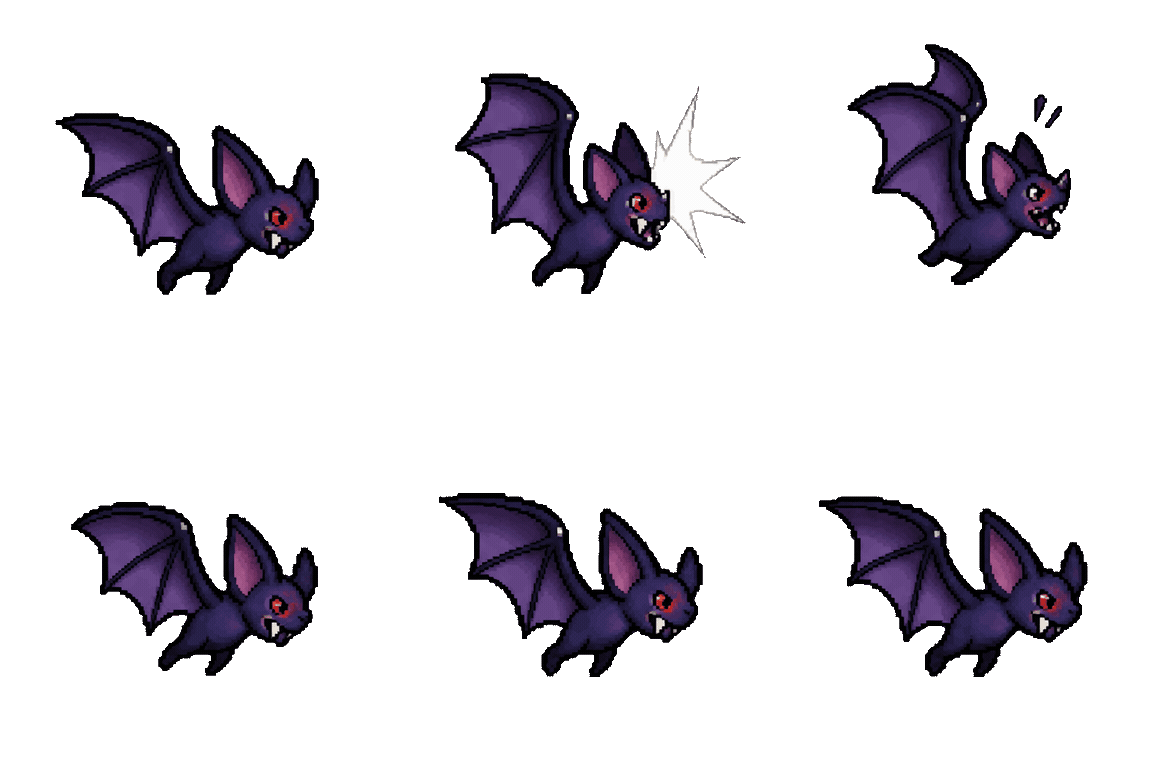 4×4 grid · 16 frames
Bat hit reaction
Reaction flashes are two-frame events inside a longer still pose — keep the rest steady.
Already have a GIF? Convert it to a sprite sheet in your browser.
How to generate a sprite sheet
Three steps from sentence to engine import — the workbench above is the whole tool.
- 1
Describe the animation cycle
One sentence: the character, the action, the direction. End with "transparent background" so the frames come back with real alpha — no white box to cut out.
- 2
Generate 16 transparent frames
The run renders sixteen frames with a native transparent background and previews the loop as a GIF, exactly as the engine will play it.
- 3
Download the sprite sheet PNG
Pick columns, scale, and padding — the grid packs in your browser in playback order, ready for Unity's grid slicer or a Godot AnimatedSprite.
What an AI sprite sheet includes
One run, two deliverables — and every frame carries real transparency.
True transparent background
Frames return with a real alpha channel, not white paint. Drop them over any tileset and the edges stay clean.
GIF preview, sheet deliverable
Watch the loop as a GIF first; when it feels right, pack the same frames into a PNG grid and ship that.
An even, engine-ready grid
The sheet is packed by code in your browser — every cell is identical in size, which is exactly what grid slicers expect.
Pixel art or clean 2D
Style lives in the prompt: "pixel art" for retro sprites, "clean flat 2D" for modern ones. Transparency works either way.
Failures refund themselves
A failed run hands its credits back automatically, so a bad roll costs nothing. Retry with a simpler prompt.
Every run stays in reach
The session strip under the stage keeps your earlier sprites one click away while you iterate on a cycle.
AI sprite generator FAQ
The questions game developers ask before importing.