Discord Sticker Maker
Describe the character — a waving cat, a thumbs-up frog, an angry blob — and this Discord sticker maker turns it into a die-cut looping GIF you can drop straight into a chat.
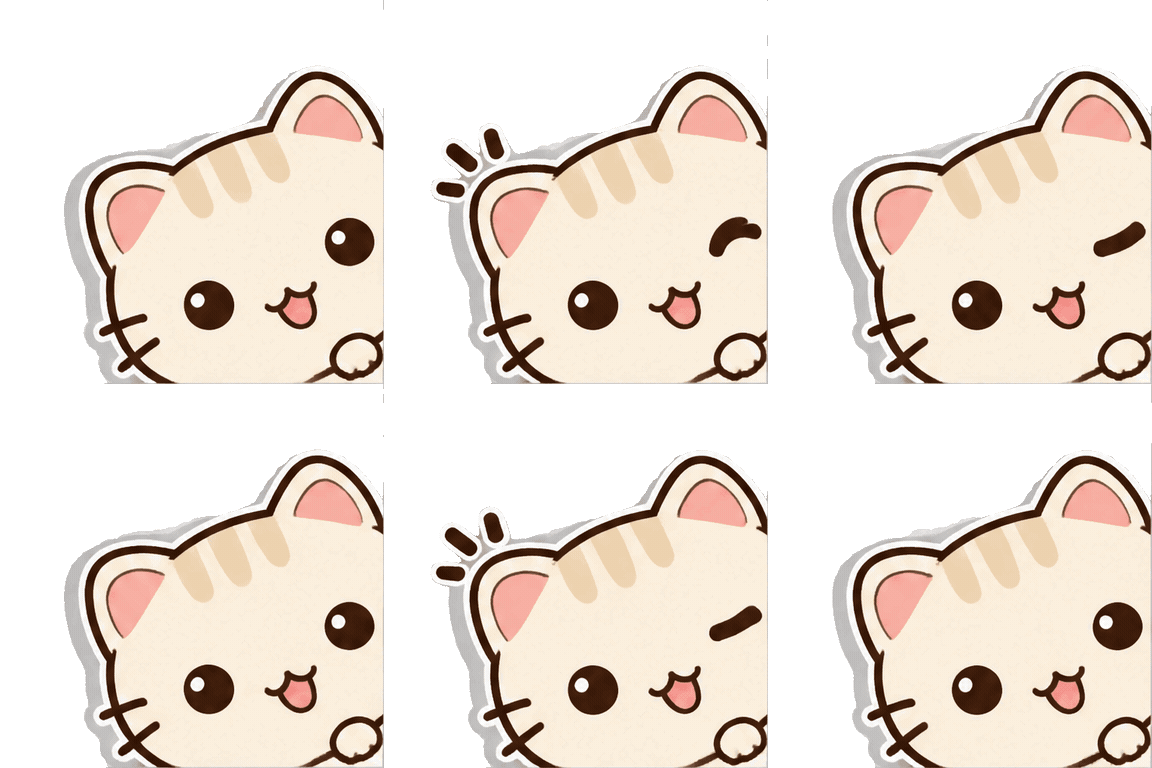
Describe the animation on the left, then hit Generate — the loop shows up here.
Six Discord sticker prompts that loop
Every GIF below was generated on this Discord sticker maker with the exact prompt shown beneath it — copy any prompt into the workbench, or rewrite it for your own character.
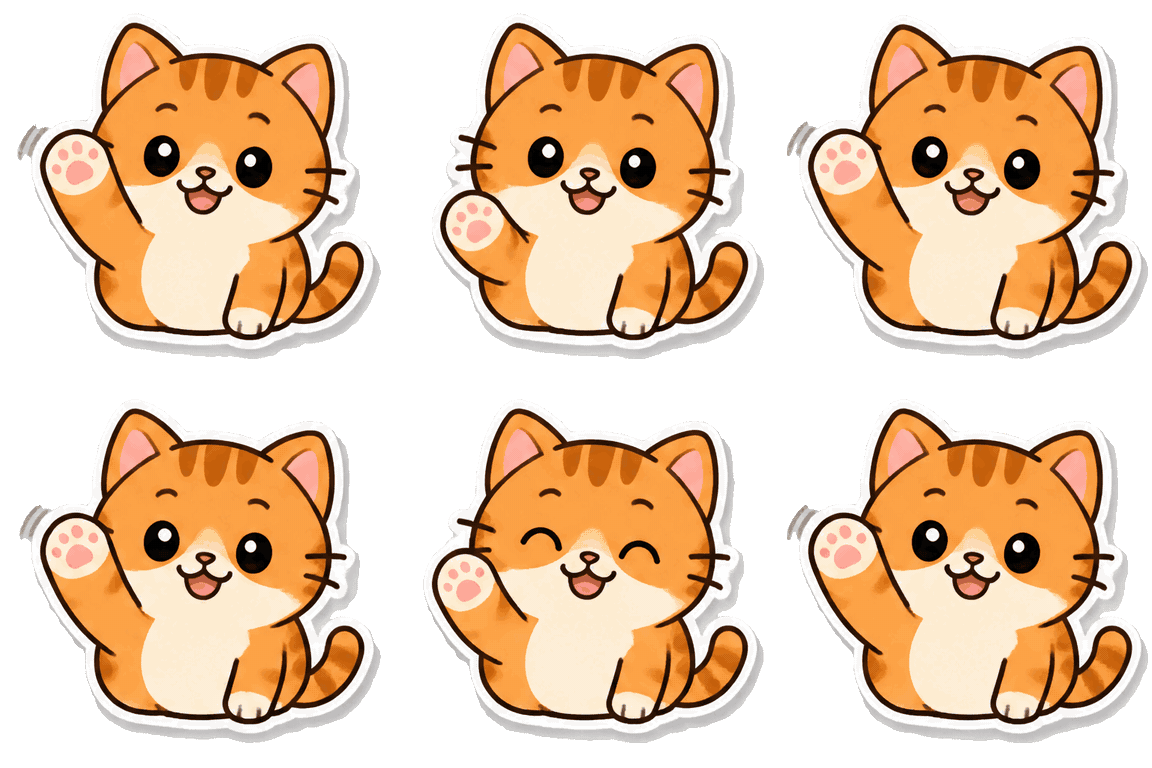
Animated cat Discord sticker
Give the character one friendly action — a wave and a blink — and the thick die-cut border does the rest. Stickers read best when almost everything stays still.
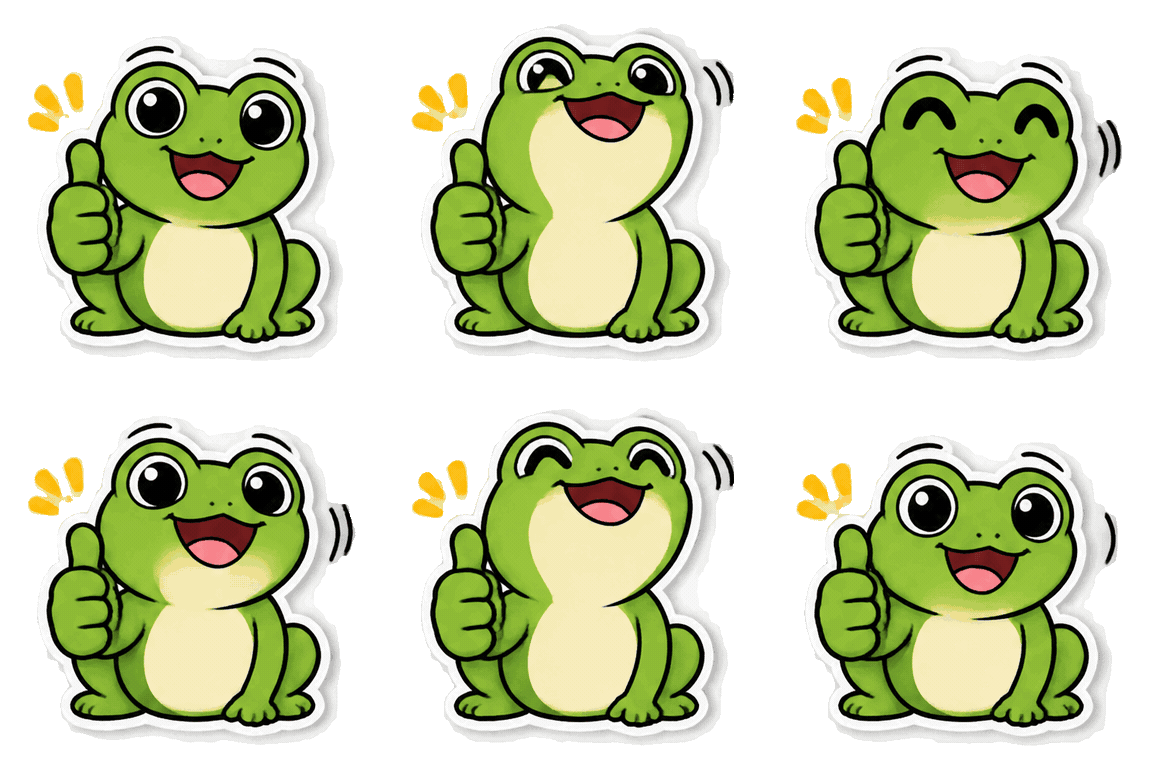
Thumbs-up Discord sticker
Reaction stickers need one big readable gesture: a frog giving a thumbs-up lands at chat size, no extra props.
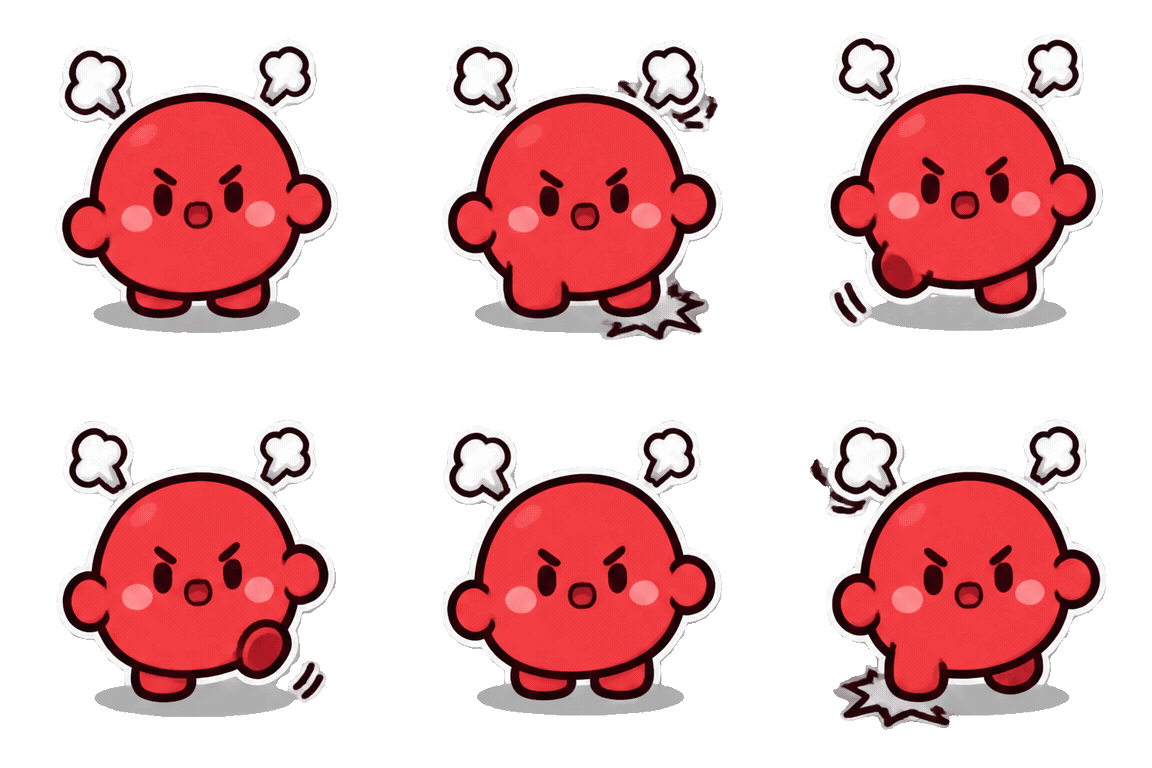
Angry Discord sticker
Emotions are visible mechanics — stamping feet and steam puffs say “angry” without a single word, which is the whole point of a sticker.
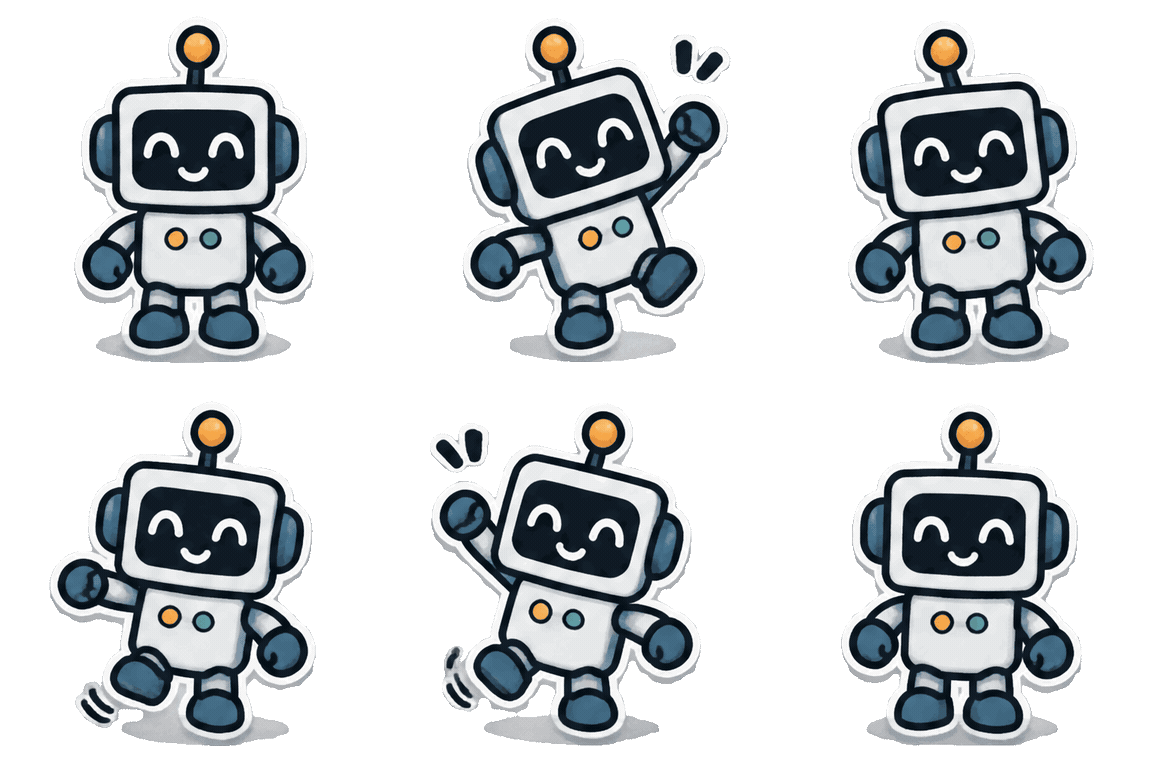
Dancing Discord sticker
A side-to-side sway loops cleaner than a full dance routine. Two beats, back and forth, forever.
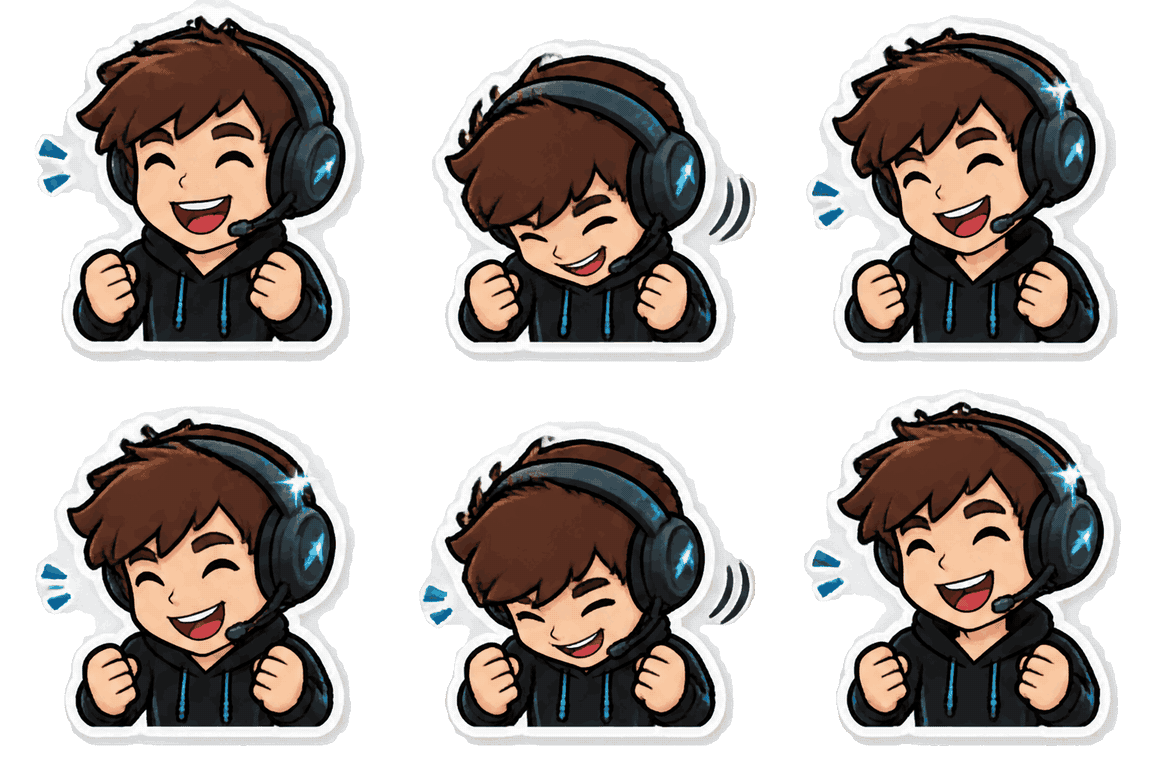
Gamer Discord sticker
Props anchor a persona: one headset plus a nod to the beat turns a generic figure into a gamer sticker.
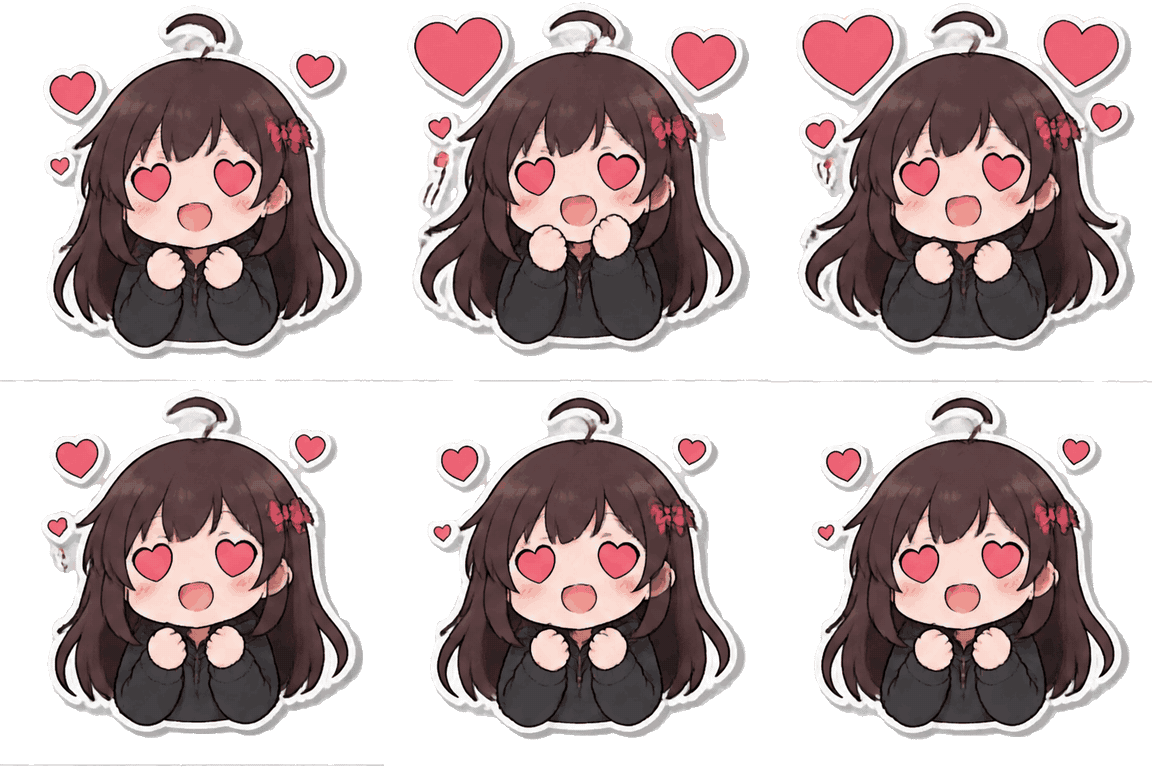
Anime heart Discord sticker
Heart eyes and floating hearts are a built-in loop — the emotion repeats naturally, so the motion never has to reset.
For general prompt-to-GIF without the sticker framing, the text to GIF AI page runs the same engine.
Make a Discord sticker in three steps
The workbench above is the whole Discord sticker maker — no uploader, no editor tabs. Three decisions stand between you and a looping die-cut sticker.
- 1
Describe the character
Write one sentence: who, one action, and the sticker look. “Die-cut sticker, thick white border, cute cartoon style” is the framing that makes a GIF read as a sticker; the six prompts below are ready to reuse.
- 2
Tune the loop
Frame rate sets how fast the same 16 frames play: 5 fps runs 3.2 seconds per loop, 10 fps runs 1.6, and 20 fps runs 0.8. Square 1:1 is the natural sticker shape.
- 3
Generate and send
The price in credits shows on the button before you commit, and failed runs return them automatically. Download the GIF and drop it straight into a Discord chat.
What a Discord sticker run actually does
No template editor and no uploader: this Discord sticker maker draws the GIF straight from your sentence — border, shadow, and motion together.
Native GIF, one prompt
GPT Image 2.6 renders all 16 frames in a single run and returns one animated GIF file — not a slideshow stitched from stills.
Loop speed you choose
The same prompt plays at 5, 10, or 20 fps. Stickers usually read best at 10 — quick enough to feel alive, slow enough to land.
Square-first shapes
Generate at 1:1, 4:3, 3:4, 16:9, or 9:16. Square 1:1 is the default and the natural sticker crop.
Failed runs cost nothing
If the provider drops a run, the credits return to your balance automatically and you can try again.
No watermark
Downloads are the plain GIF with nothing stamped on the frames. What you may do with them is governed by the site terms.
Your GIFs stay close
This visit's last six GIFs sit in a strip under the stage, and signed-in runs collect in your gallery.
Discord sticker questions
Costs, loop lengths, sticker sizes for Discord, and what happens when a run goes sideways.