Discord Sticker Size: 320×320, 512 KB, and What Actually Fits
 GIFGenerator Team
Discord sticker size: 320×320 px, 512 KB, PNG or APNG, tested with real GIFs to see what fits.
A Discord sticker uploads at exactly 320×320 pixels, stays under 512 KB, and saves as a PNG for a still or an APNG for animation. Those three numbers come from Discord's own sticker creators FAQ, and they decide everything else: how big you design, how many frames you can afford, and which file the upload dialog accepts.
The part most guides skip is the 512 KB cap. It is tight, and it breaks the obvious workflow. We took six animated sticker GIFs from our own Discord sticker maker (all square, all 16 frames, between 488 and 652 KB each) and tried to push them under the cap. The resize came first, and on both files we ran it on, the output landed bigger than the source. Below are the official size rules, the emoji-versus-sticker confusion, a measured answer to what actually fits in 512 KB, and the upload steps.
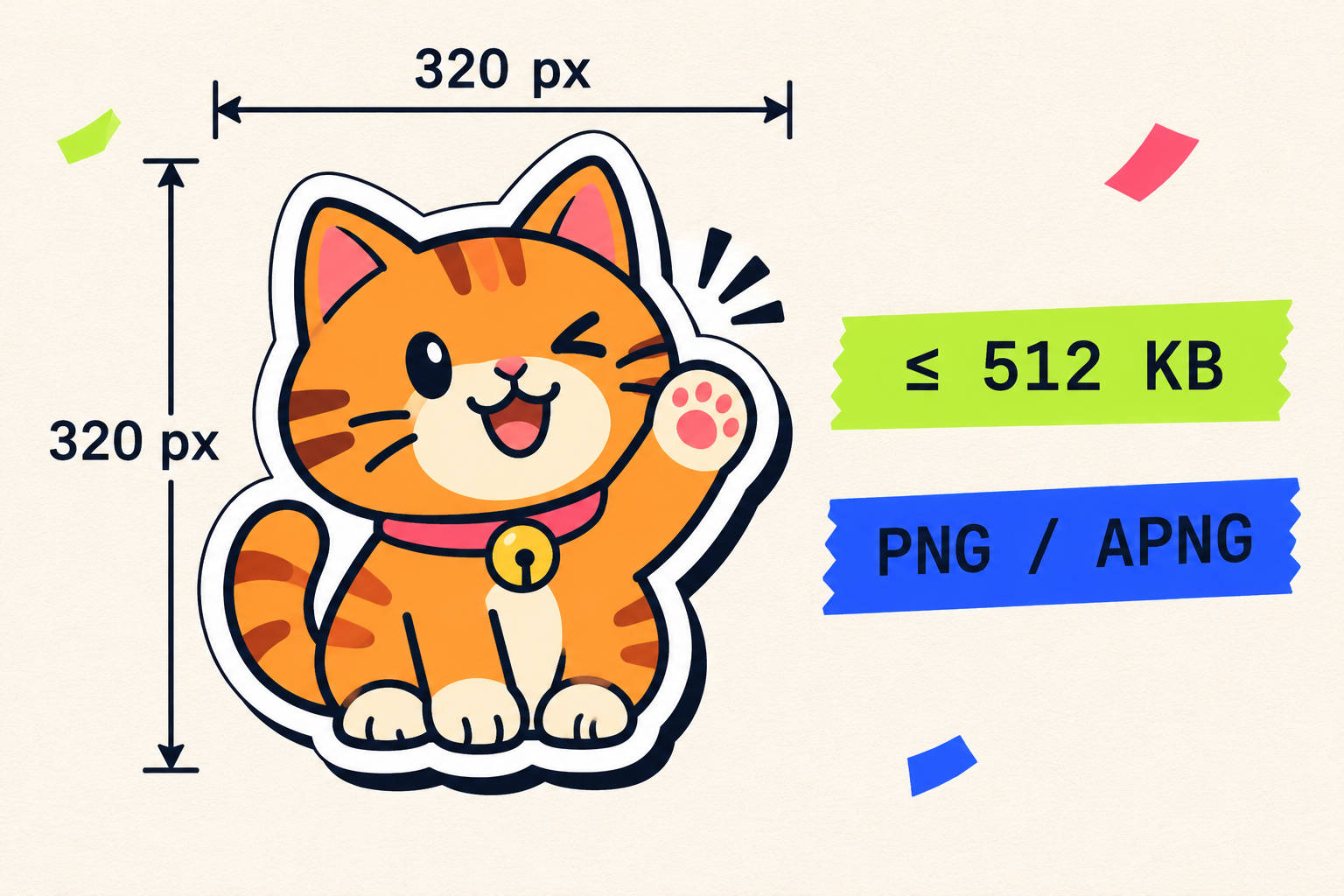
The whole spec on one desk: a square die-cut sticker, 320 pixels a side, weighed against a 512 KB cap.
The Discord sticker size rules, in one table
Discord publishes sticker requirements in two places: the Tips for Sticker Creators FAQ on its support site, and its sticker announcement post on the company blog. Here is every number that matters, from those two pages:
Requirement | Value |
|---|---|
| Canvas | 320 × 320 px, exact, 1:1 square |
| File size | 512 KB max |
| Still format | PNG |
| Animated format | APNG (more on the GIF question below) |
| Frame rate | up to 60 FPS |
| Render size in chat | 160 × 160 dp on desktop, smaller on mobile |
| Slots per server | 5 free, then 15 / 30 / 60 at boost levels 1 / 2 / 3 |
| Also required | an associated emoji for suggestions; a text description is optional |
The 320 × 320 canvas is a hard requirement, not a starting point. The upload dialog checks dimensions and rejects anything else, so a 512 × 512 file does not get cropped for you; you resize it yourself first. The common practice is to draw large (640 or 1024 pixels wide) and export down to 320, which keeps edges clean at the final size.
Slots depend on server boosts. Every server starts with 5 sticker slots; boosting unlocks 15 at Level 1, 30 at Level 2, and 60 at Level 3, per Discord's announcement. One quirk worth knowing before you upload an animated sticker: the FAQ notes that APNG files won't render if they go through the chat bar. Preview them in the Server Settings upload window instead.
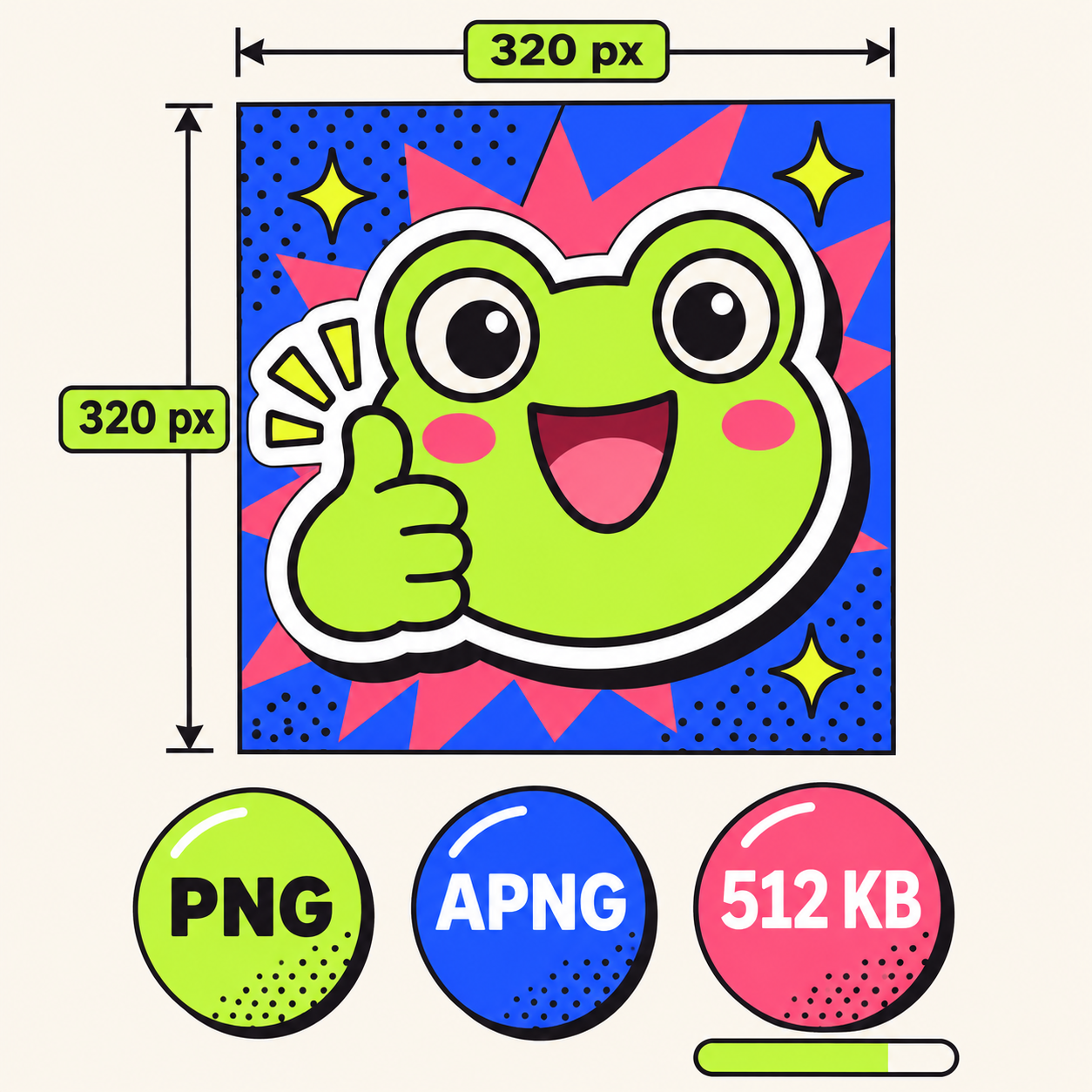
The Discord sticker size spec on one card: square canvas, two formats, one hard cap.
Sticker or emoji? Two size budgets, two formats
People arrive at this page mixing up two different systems. Emoji and stickers look related and live in the same picker, but they follow separate rules:
| Custom emoji | Sticker |
|---|---|---|
| Size | 128 × 128 px in practice (Discord documents no dimension) | 320 × 320 px exact |
File cap | 256 KB | 512 KB |
Formats | JPEG, PNG, GIF, WEBP | PNG, APNG |
Animated as | GIF | APNG |
Appears | inline, small, inside text | large, in its own row of the chat |
| Slots | 50 static, +50 animated with Nitro | 5 to 60, by server boost level |
The emoji numbers come from Discord's custom emoji help page, which sets a 256 KB cap and lists JPEG, PNG, GIF, and WEBP as supported formats without stating a dimension. 128 × 128 is simply what every emoji source and resizer uses.
One row in that table explains a lot of the confusion: emoji are the slot that accepts GIFs. Stickers are not. If you want a small looping reaction that sits inline inside a sentence, an animated emoji is the mechanism built for it, and GIF is its native animated format. Stickers play big and loud in their own chat row, and their animated format is APNG. This split is why "how to make a discord sticker from a GIF" threads keep appearing on Reddit: people try to upload a GIF where an APNG belongs.
Can a Discord sticker be a GIF? Discord's own pages disagree
Ask this question and you get two official answers:
- Discord's blog post says stickers can be "PNG for static stickers, APNG or GIF for animated stickers."
- Discord's Sticker Creators FAQ lists the animated format as "APNG" and says nothing about GIF.
We checked both pages while writing this guide, and they still disagree. Practice leans toward the FAQ's version: a whole crop of converter tools exists specifically to turn GIFs into sticker-ready APNGs, and the Reddit threads asking how to make a sticker from a GIF rank on the first page of search results. So treat APNG as the dependable path. If your artwork is a GIF, convert it, but read the next section first, because a naive conversion is exactly where the 512 KB cap bites.
We tested the 512 KB cap with real sticker GIFs
Specifications are easy to quote and easy to repeat. What the guides in the search results don't do is run the file math, so we did. Our six test files are die-cut sticker GIFs generated on our Discord sticker maker: 384 × 384, 16 frames, a 1.6-second loop each, weighing 488 to 652 KB. The kind of file a normal person would try to upload next.
Every number below was measured with FFmpeg on 2026-11-09, on the same 536 KB waving-cat GIF unless noted:
Encode at 320 × 320 | Result | Under 512 KB |
|---|---|---|
16 frames, 256 colors | 705 KB | no, bigger than the source |
16 frames, 128 colors | 582 KB | no |
| 16 frames, 64 colors | 434 KB | yes, barely |
| 8 frames, 128 colors | 289 KB | yes, with room |
APNG, 8 frames, lossless | 928 KB | no |
APNG, 8 frames, 64 colors | 222 KB | yes |
Three findings.
Resizing alone doesn't fit the cap. Dropping 384 pixels down to 320 made the file grow from 536 KB to 705 KB. At sticker scale, file size comes from the re-encode (palette and frame data), not from resolution. Anyone who tells you to "just resize it to 320" has not tried it. The heaviest source in our set, a 652 KB heart-eyes GIF, landed at 769 KB after the same resize: scenes with more colors pay more.
Frame count is the biggest lever you control. Halving 16 frames to 8 took the same sticker from 582 KB down to 289 KB. That single change buys more headroom than any color reduction we tested, and at sticker scale you lose almost nothing visually: one wave, one thumbs-up, one foot-stomp still reads perfectly at 8 frames. Discord's FAQ caps frame rate at 60 FPS but sets no frame-count limit, so the 512 KB file cap is the real frame budget.
Frame count also sets your loop length once you pick a playback speed: loop duration is frames divided by fps. Eight frames at 10 fps loops in 0.8 seconds, punchy and meme-ready; the same 8 frames at 5 fps stretch to 1.6 seconds, which suits a slow wave or a contented blink. Sticker loops live in that 0.8-to-2-second band. Longer than that and the reaction arrives too late in a fast-moving chat, which defeats the point of a sticker.
Lossless conversion is the trap. This is the step that catches people who did everything else right. Converting that comfortable 289 KB GIF to APNG without touching the pixels produced 687 KB, back over the cap. A direct lossless 8-frame APNG encode of the source hit 928 KB. The APNG format stores full-color frames, which is exactly what the 512 KB budget punishes. The working recipe quantizes first: 8 frames plus a 64-color palette, then convert, lands at 222 KB with the loop intact.
The commands, if you want to reproduce every row:
# GIF that fits: 320x320, every second frame (8 frames), 128-color palette
ffmpeg -i sticker.gif -vf "fps=5,scale=320:320:flags=lanczos,split[a][b];[a]palettegen=max_colors=128[p];[b][p]paletteuse=dither=bayer:bayer_scale=5" sticker-320.gif

# APNG that fits: quantize to 64 colors BEFORE converting, then loop forever
ffmpeg -i sticker.gif -vf "fps=5,scale=320:320:flags=lanczos,split[a][b];[a]palettegen=max_colors=64[p];[b][p]paletteuse=dither=none,format=pal8" -plays 0 sticker.apng
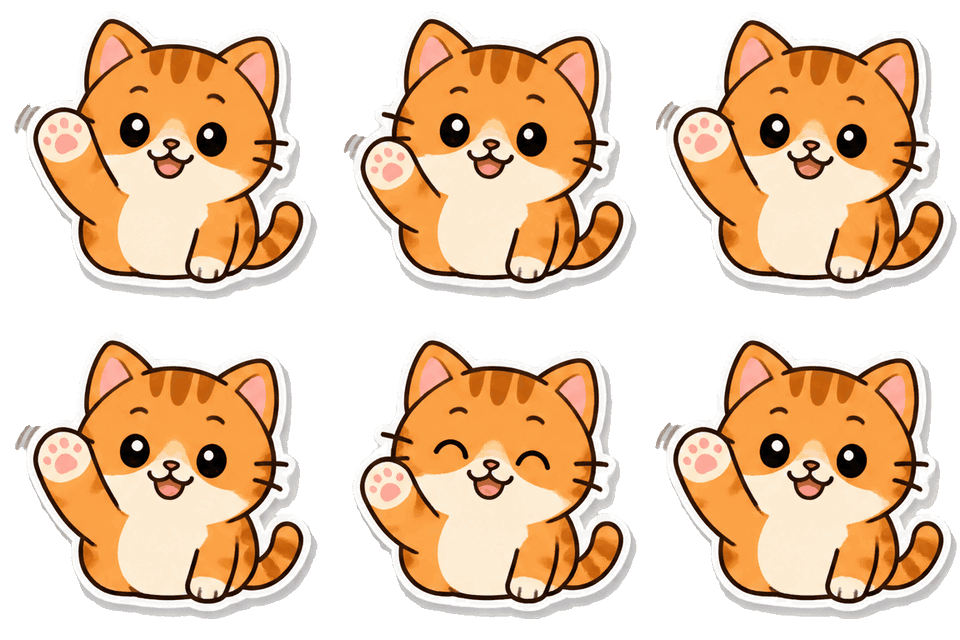
The 289 KB row from the table, as an actual file: 320 × 320, 8 frames, 128 colors, generated on this site. Its 64-color APNG conversion weighs 222 KB and would clear the cap.
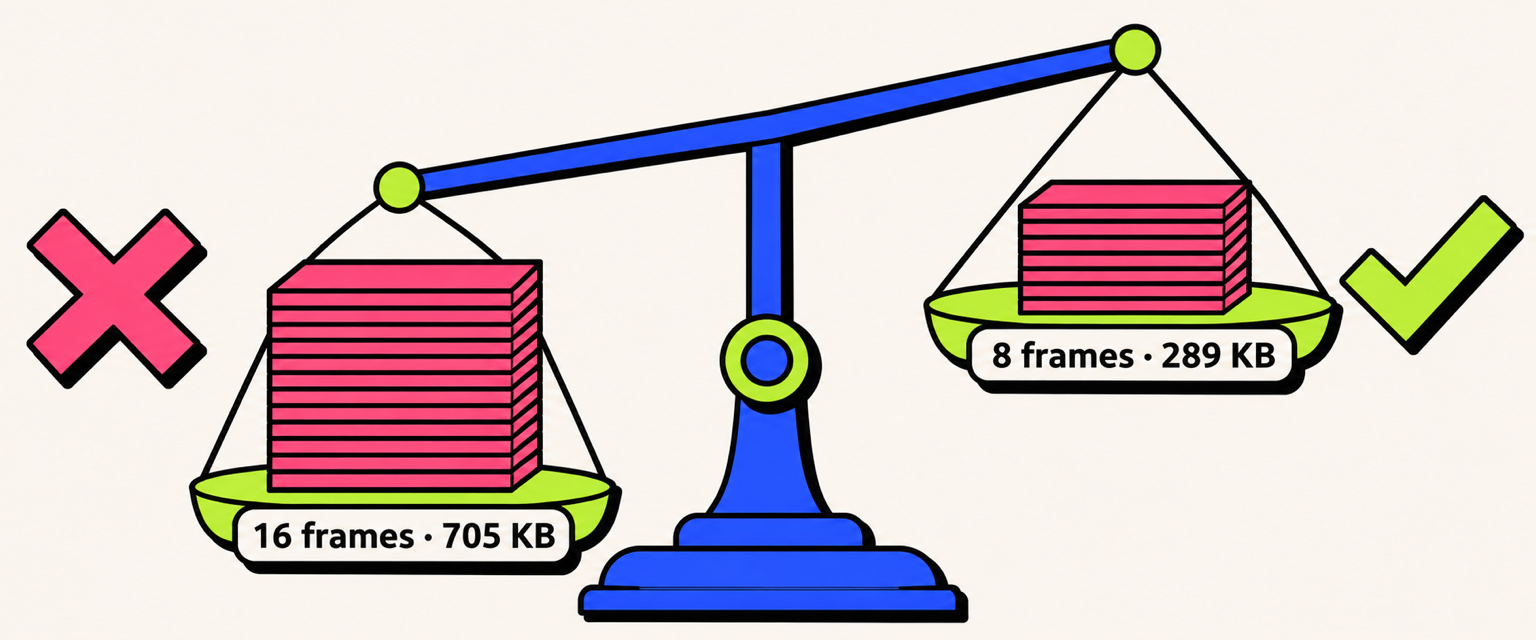
Frame count outweighs everything else: 16 frames bust the cap at full color, 8 frames clear it with room to spare.
How to upload a sticker, and who can
Uploading takes two minutes once the file is right:
- Open Server Settings → Stickers. You need the Manage Expressions permission; the server owner always has it.
- Click Upload, pick your 320 × 320 PNG or APNG, and check that the animation plays in the preview. Preview APNGs here, not through the chat bar, where they won't render.
- Give it a name, pick the associated emoji (required, it powers sticker suggestions), and optionally add a short description for screen readers.
- The upload lands in one of your server's slots: 5 free, up to 60 at boost Level 3.
When the upload refuses your file, one of three things happened. Dimensions other than 320 × 320 get rejected outright, which is the dialog telling you to resize, not crop. Files over 512 KB get rejected too, and the recipe in the test section above is the fastest way under the cap. And if an APNG uploads but plays as a still, you probably sent it through the chat bar instead of Server Settings; the FAQ documents that path as one where APNG won't render. The file is usually fine, the route was wrong.
Design so it reads at chat size
A sticker renders at roughly 160 × 160 on desktop and smaller on phones, so the design target is the 160-pixel preview, not the 320-pixel canvas. One decision comes before any of the tips below: static or animated. A static PNG only needs to be 320 × 320 and under 512 KB, and any clean export clears both numbers without effort. Every hard problem in this article, from frame budgets to APNG conversion, belongs to animated stickers. If your sticker works as a still, ship it as a still.
If you do animate, four habits keep stickers legible at chat size:
- Fill the frame. The subject takes 80 percent of the canvas or more; empty margins read as a shrunken sticker in chat.
- Give it one gesture, like a wave or a nod. Each of our six test stickers carries a single action, which is why they still read after halving to 8 frames.
- Use thick outlines and flat color. Fine detail and soft gradients turn to mush at 160 pixels; die-cut edges with bold ink outlines survive.
- Keep the background transparent. Discord composites stickers directly into the chat, and the FAQ recommends transparency for that reason. Leave a small margin so the sticker's edge doesn't clip against the canvas border.
Two ways to use your GIF in Discord
The 512 KB cap applies to the server sticker slot. It does not apply to ordinary chat messages, and that difference gives you two lanes.
The chat lane. Drag a GIF into any message and it plays as-is: no 320 × 320 gate, no weigh-in. This is the lane our Discord sticker maker is built for. Describe a character in one sentence, get a die-cut 16-frame GIF, drop it into the conversation. Loop speed is your choice of 5, 10, or 20 FPS (the frame mechanics are the ones we documented in the GPT Image 2.6 GIF guide), the price in credits shows before you commit, and failed runs refund automatically; the pricing page has the credit packs.
The server lane. You want the sticker in the picker for everyone, permanently. Then the spec above is the whole game: 8 frames, 320 × 320, quantized colors, APNG under 512 KB, uploaded through Server Settings.
Pick the lane first; it decides every number after that.
Frequently asked questions
Is 320×320 the exact Discord sticker size, or just a minimum?
Exact. The upload dialog validates dimensions and rejects other sizes, so a 512 × 512 or 1024 × 1024 file has to be resized to 320 × 320 before upload. Discord does not crop it for you.
How many frames can a Discord sticker have?
Discord sets no frame-count limit, only a 60 FPS cap. The real constraint is the 512 KB file cap. In our tests, 16 frames at 320 × 320 only fit with a heavy 64-color palette; 8 frames fit at 128 colors with room to spare, and the motion still read smoothly at chat size.
Why does my sticker look small in chat?
Stickers render at about 160 × 160 on desktop and smaller on mobile. The 320-pixel canvas is the source resolution, not the display size. The fix is design, not file size: make the subject fill the canvas and cut empty margins.
Do Discord stickers support GIF files?
It depends which official page you trust. Discord's blog says animated stickers can be "APNG or GIF"; the Sticker Creators FAQ lists only APNG. The dependable route is converting to APNG, with colors quantized first, since a lossless conversion can push a 289 KB GIF over the cap.
How many stickers can a Discord server have?
Five slots on an unboosted server, then 15 at boost Level 1, 30 at Level 2, and 60 at Level 3, per Discord's sticker announcement. Nitro subscribers' free boosts count toward the server's level.